Libre 3 and Libre 3 Plus on Apple Watch: how to see your glucose
Abbott's apps have very limited Apple Watch support, so to see your FreeStyle Libre glucose on your wrist you need an app that reads your LibreLinkUp account, such as Dulce. Sign in to Dulce with LibreLinkUp, turn on Apple Watch in Settings (a Dulce Pro feature with a 14-day free trial) and add the Dulce complication to your watch face. It works with any Apple Watch paired with your iPhone, no cellular model needed.
· 3 min read
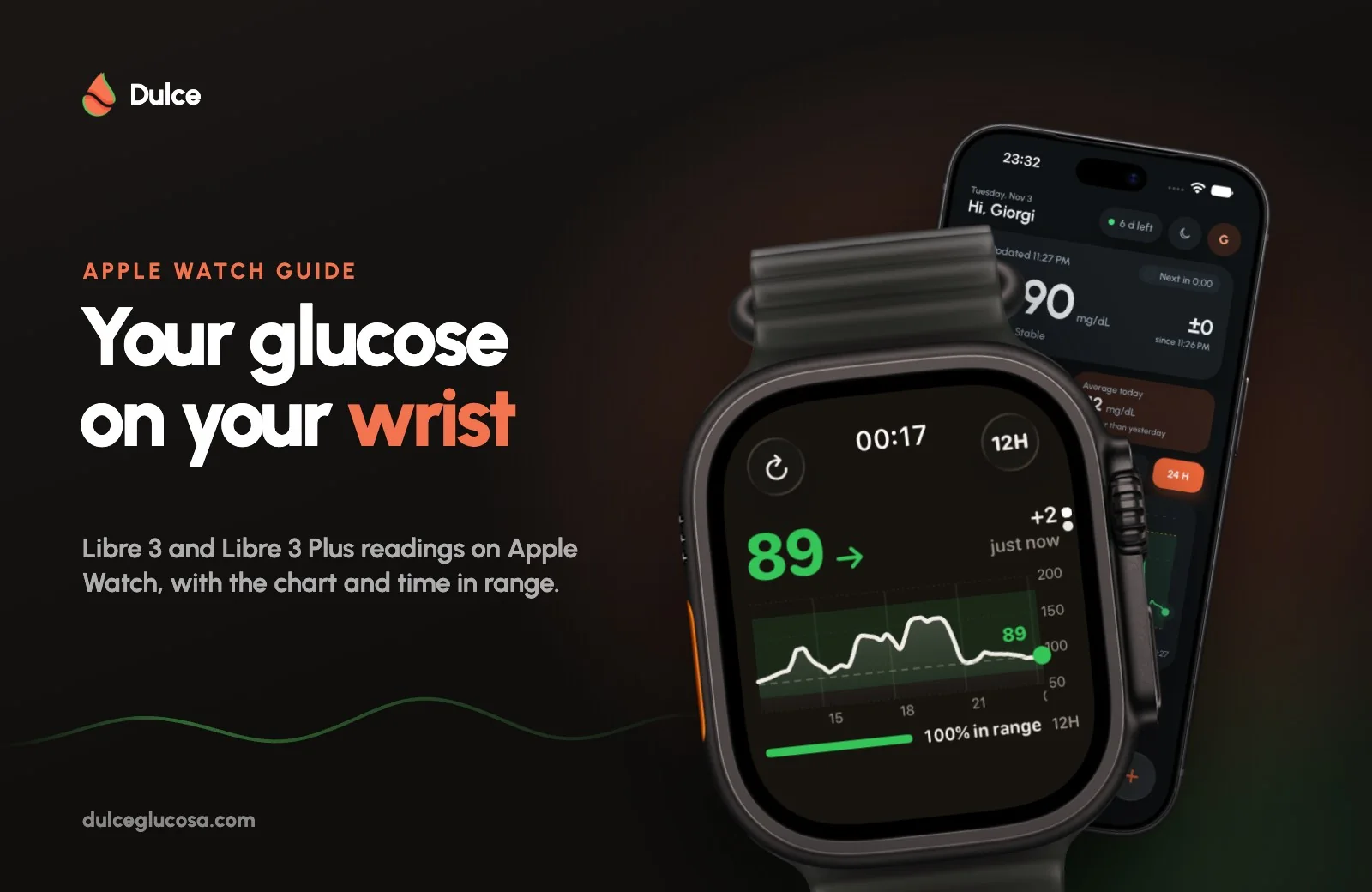
If you wear a FreeStyle Libre 2 or Libre 3 and an Apple Watch, you naturally want to glance at your wrist and see your number. In practice it is harder than it should be: Abbott's app that reads the sensor has very limited watch support, and LibreLinkUp, the follower app, mostly forwards notifications. This guide explains where the data comes from, how to put it on your watch face with Dulce, and why watch readings sometimes "freeze". The watch itself can't measure glucose: see can Apple Watch measure blood sugar?.
Where the glucose on your watch comes from
The sensor sends readings over Bluetooth to the Libre app on your iPhone (FreeStyle LibreLink or FreeStyle Libre 3, depending on your sensor and country). That app uploads them to Abbott's cloud, and from there they reach LibreLinkUp, the account designed for family members to follow your glucose.
Dulce connects to your LibreLinkUp account, picks up every new reading and sends it to your iPhone and your Apple Watch. So before using Dulce you need to turn on sharing in LibreLinkUp. It takes four steps and you only do it once.
How to put your glucose on your watch face
Install Dulce and connect LibreLinkUp
Download Dulce on your iPhone and sign in with your LibreLinkUp email and password (not your LibreLink ones).
Turn on Apple Watch in Dulce
Open Settings in Dulce and turn on Apple Watch. It's a Dulce Pro feature, which you can try free for 14 days.
Check the app is on your watch
On your iPhone, open the Watch app, scroll to Available Apps and tap Install next to Dulce if it didn't install by itself.
Add the complication
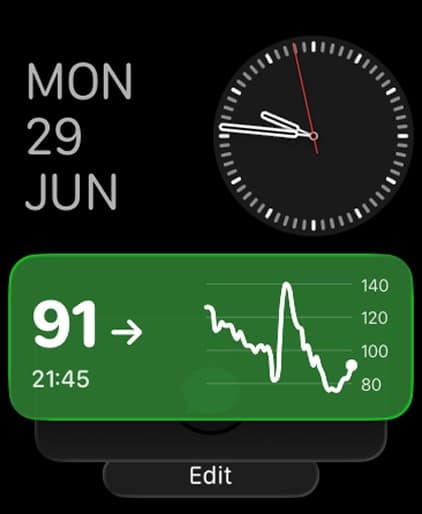
Touch and hold your watch face, tap Edit, swipe to the complications, pick a slot and choose Dulce.
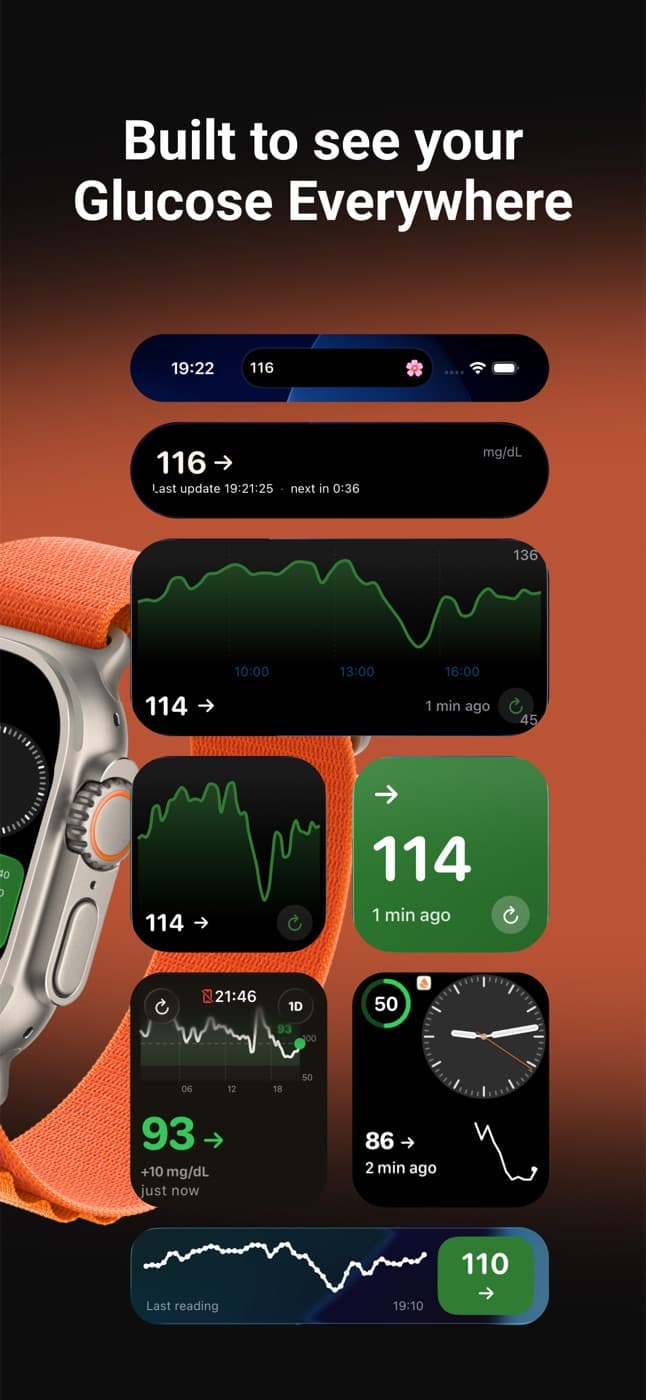
Dulce has complications in all four watchOS shapes: rectangular (value, arrow and chart), circular, corner and inline. The rectangular one works best on faces like Modular or Infograph Modular; the corner one fits Infograph.
The watch app
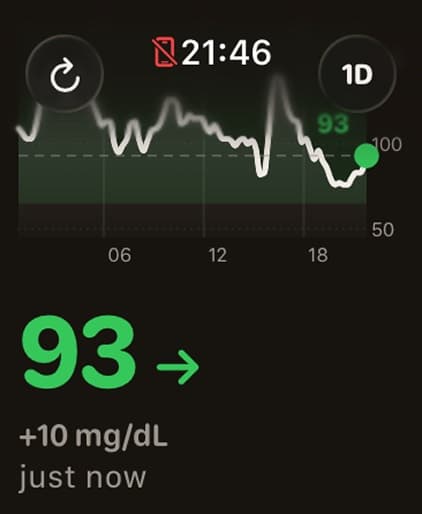
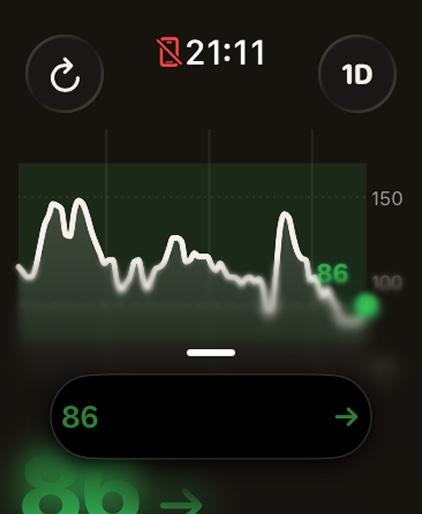
Tapping the complication opens the Dulce watch app: the big number, the trend arrow, the change since the previous reading and a chart you can widen to the whole day. To ask for a fresh reading, tap the refresh button.
What about alerts on the watch?
Alerts come from your iPhone. When you're wearing your Apple Watch and your iPhone is locked, iOS sends the notification to the watch and it taps your wrist; if you're using your iPhone, it rings there. You get one alert in the right place, not two. Everything you can set is in the alerts guide.
Why watch readings sometimes freeze
watchOS limits how many times a day an app can refresh its complication, to save battery. Apps that rely on the iPhone "pushing" every reading to the watch use up that budget within a few hours, and the face stops changing.
Dulce doesn't rely on that alone: its server sends the latest reading straight to the watch every minute, even when your iPhone is locked, and the watch stores it as soon as it arrives. If you still see a number that doesn't change, check:
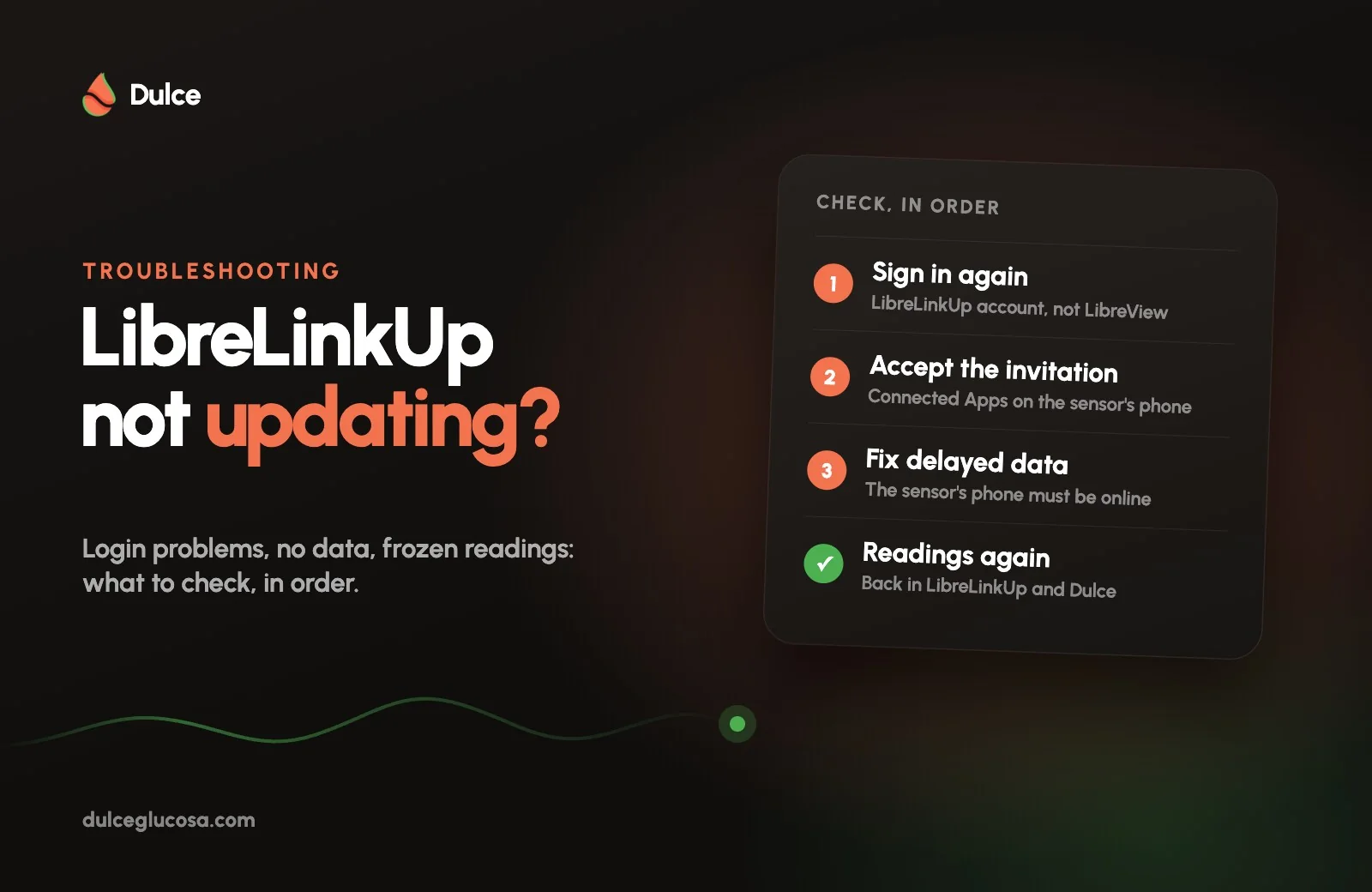
- The sensor phone has internet. If the Libre app can't upload readings, neither LibreLinkUp nor Dulce receives anything new. The LibreLinkUp no-data guide covers every cause.
- The watch is connected to your iPhone over Bluetooth or to Wi-Fi.
- Low Power Mode on the watch is off, because it cuts background updates.
Quick questions
How do I see my FreeStyle Libre glucose on my Apple Watch?
With an app that reads your LibreLinkUp account, like Dulce. Sign in to Dulce with your LibreLinkUp account, turn on Apple Watch in Settings (a Dulce Pro feature with a 14-day free trial) and add the Dulce complication to your watch face.
Do I need a cellular Apple Watch?
No. It works with any Apple Watch paired with your iPhone.
Can I see my child's glucose on my watch?
The watch shows the glucose of the account connected on your iPhone. To follow your child's glucose from your phone, with alerts and the Lock Screen, become their follower in Dulce. Read more: How to see your child's glucose on your iPhone
Can I also see my glucose on the iPhone Lock Screen?
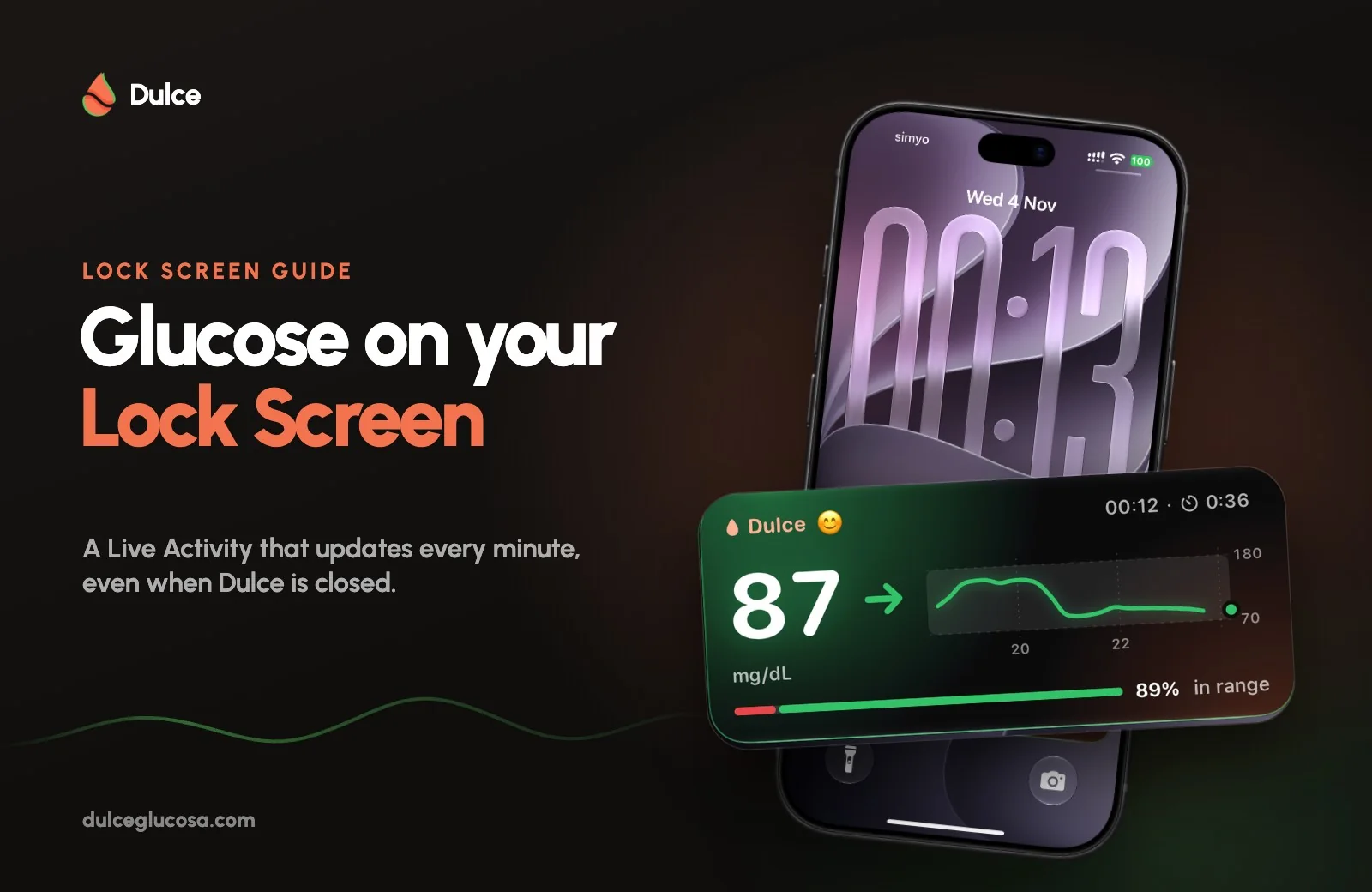
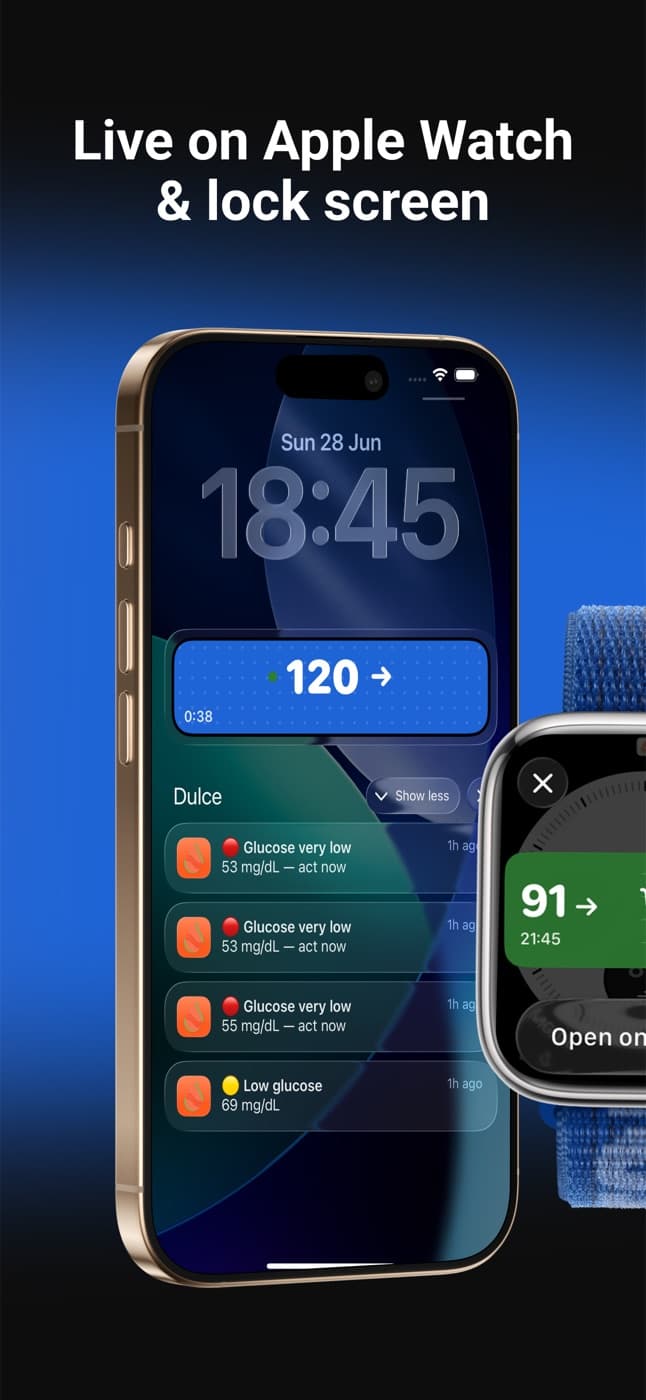
Yes, with Dulce's Live Activity, which shows your glucose on the Lock Screen and in the Dynamic Island. Read more: Your Libre glucose on the iPhone Lock Screen and Dynamic Island
Can Libre 3 or Libre 3 Plus connect to Apple Watch?
Yes, through LibreLinkUp. Turn on sharing in the app that reads your sensor, sign in to Dulce with your LibreLinkUp account, and your glucose shows on the Dulce Apple Watch app and its complications. It works the same for Libre 2, 2 Plus, 3 and 3 Plus. Dulce Pro is needed for the watch.
This article is for information and does not replace advice from your care team. Dulce is not a medical device and does not replace your sensor's alarms.
Dulce is an independent app, not affiliated with Abbott. FreeStyle Libre, LibreLink and LibreLinkUp are trademarks of Abbott.
Founder of Dulce, lives with type 1 diabetes
Giorgi lives with type 1 diabetes and founded Dulce. He built the app because he was tired of unlocking his phone, opening an app and waiting just to see one number. He writes about what he uses every day with his sensor, iPhone and Apple Watch.
Tools and setup
Keep reading
Dulce guide
Your Libre glucose on the iPhone Lock Screen and Dynamic Island
Read →
Dulce guide
Glucose alerts on iPhone: lows, highs and how to hear them at night
Read →
Help
LibreLinkUp not working: no recent data, not updating, login
Read →
Dulce guide
Sweet Dreams and LibreLinkUp alternatives: Libre apps compared
Read →
Dulce guide
Can Apple Watch measure blood sugar? Where Apple is in 2026
Read →