How to share your Libre glucose with your family
In Dulce, go to Settings, Followers, Invite someone and send the link or code: any number of family members install Dulce for free and see your glucose in real time, with their own alerts, without a sensor or an Abbott account. Sharing is a Dulce Pro feature for the person wearing the sensor, with a 14-day free trial, and followers pay nothing. You can remove a follower at any time and they stop seeing your glucose immediately.
· 3 min read
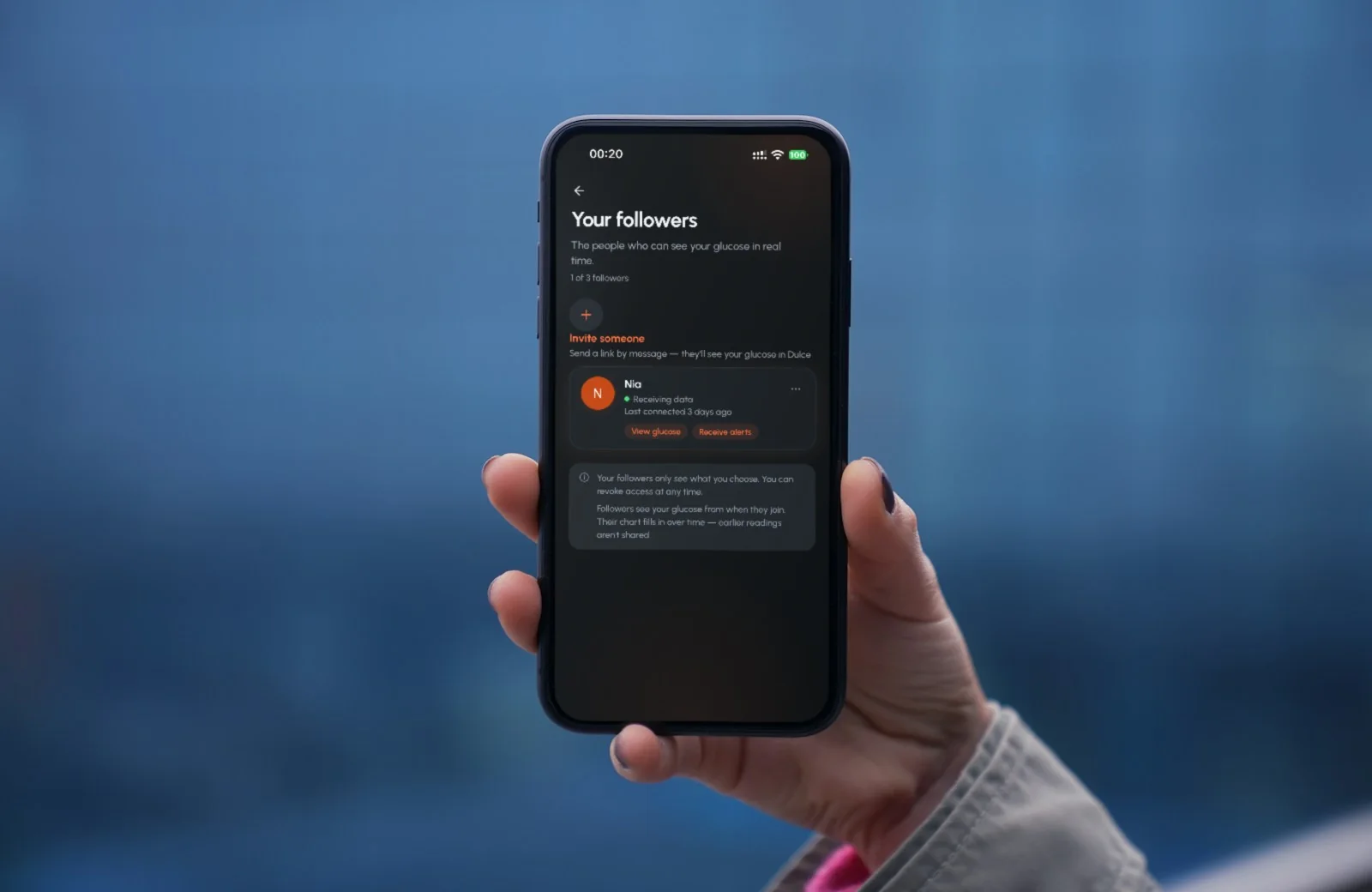
When someone at home lives with diabetes, everyone else lives with it too: the mum checking her phone at 3 a.m., the partner asking "are you OK?" in the middle of a meeting. Sharing glucose helps, as long as it doesn't turn into a stream of alarms and messages. This guide shows how to do it with Dulce and how it differs from following someone with LibreLinkUp.
Two ways to share your Libre
LibreLinkUp is Abbott's follower app. The person wearing the sensor sends an invite from the connected-apps section of their Libre app, and every follower needs their own LibreView account, must be an adult, and must be in the same region. It works, but each family member has to create an Abbott account and learn another app.
Dulce uses your LibreLinkUp account behind the scenes and lets you invite as many people as you like with a link. They just install Dulce, which is free; they don't need a sensor or an Abbott account. Sharing is a Dulce Pro feature (with a 14-day free trial) for the person wearing the sensor; followers pay nothing.
Wear a Dexcom? It works the same way: Dulce uses your Dexcom account through Dexcom Share, and your family needs neither a Dexcom account nor Dexcom Follow. See the Dexcom guide and how Dulce compares with Dexcom Follow and Sugarmate.
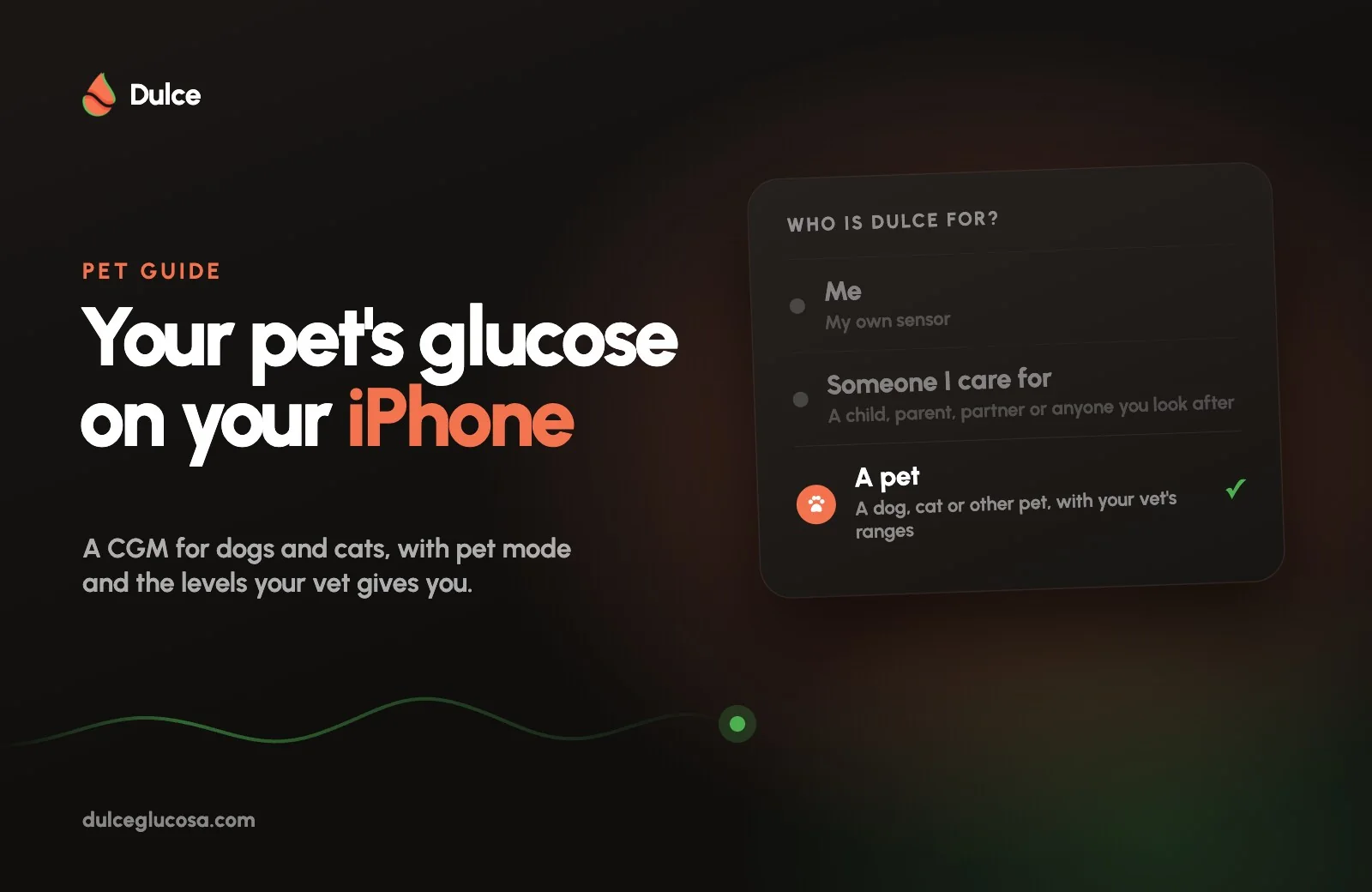
Following a dog or a cat? It works the same way, and Dulce has a pet mode for your vet's ranges: see the guide to CGM for dogs and cats.
How to invite a family member
Open your followers
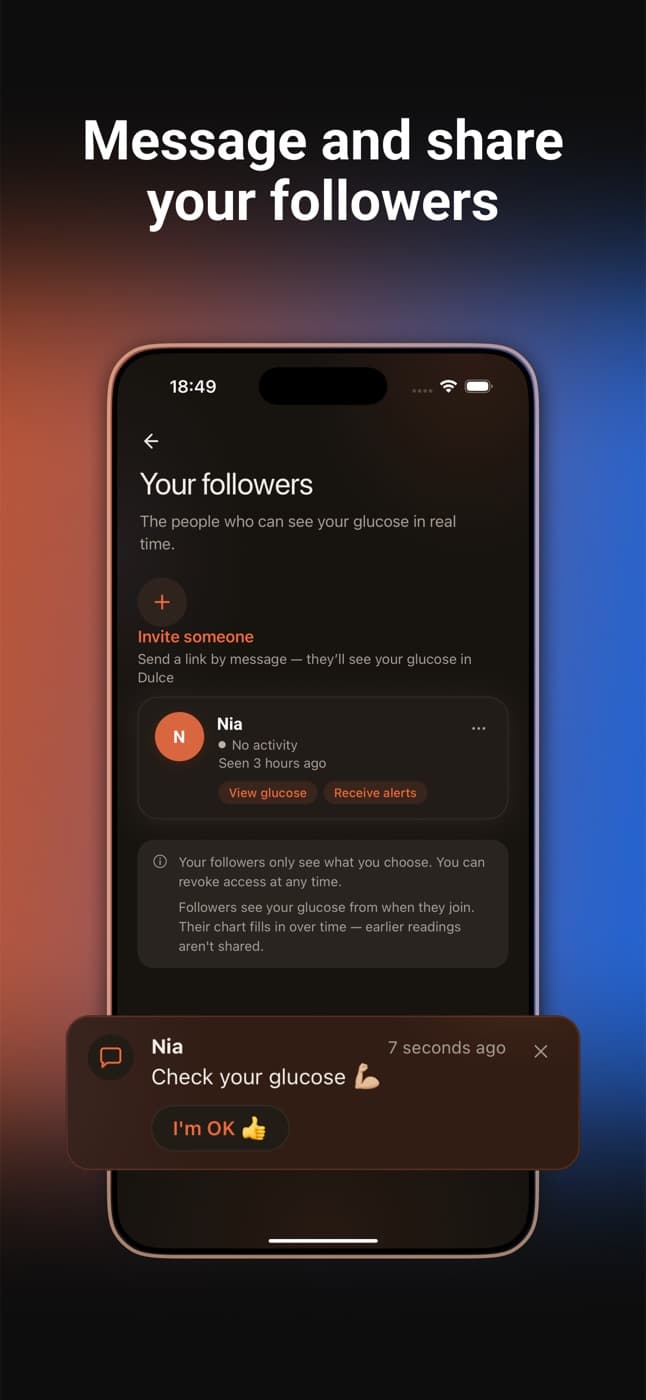
In Dulce, go to Settings → Followers and tap Invite someone.
Send the link or the code
Choose Share link or Share code and send it over WhatsApp, iMessage or whatever you like. The invite expires after 24 hours.
Your family member installs Dulce and accepts
Opening the link on their iPhone takes them straight to accepting. If they use the code, they tap "Following someone?" on Dulce's first screen and type it in.
From then on they see your glucose in real time, read-only. Note that followers see your data from when they join: their chart fills in over time and they don't get your earlier history.
What your family member can do
- See your glucose with the trend arrow and chart.
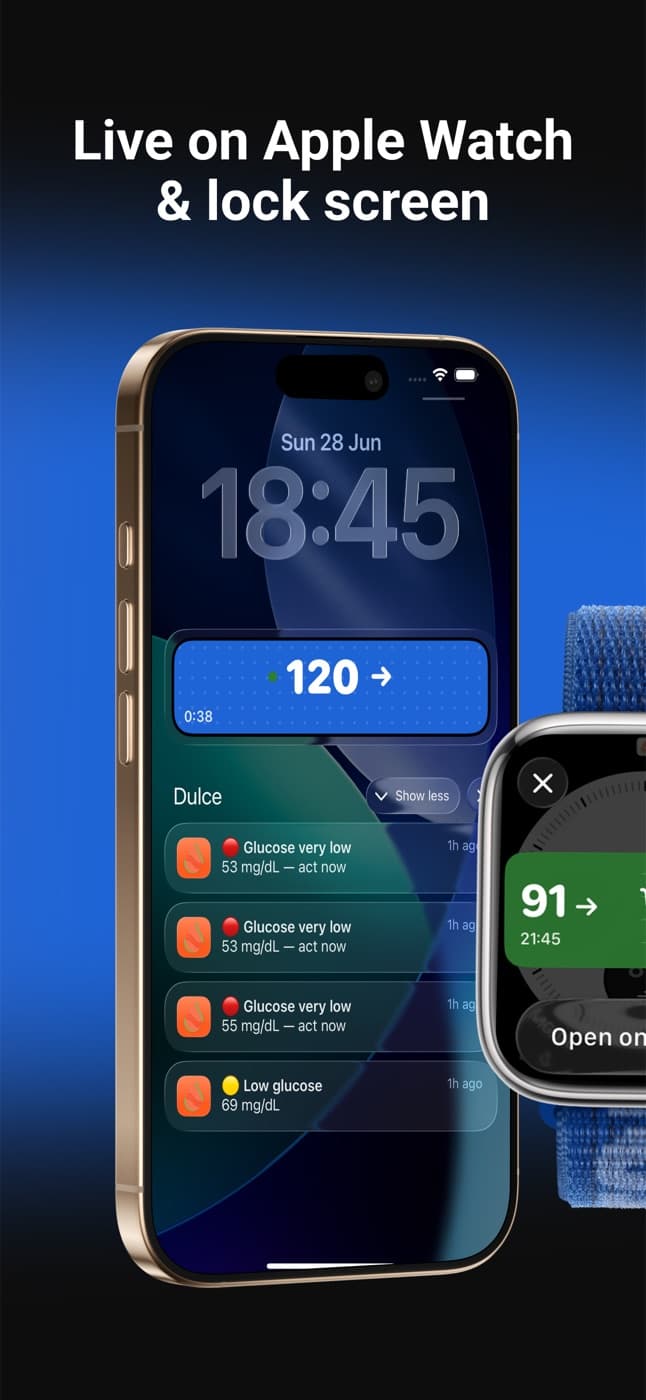
- Get alerts when you go low or high, with their own quiet hours. Very low readings always come through.
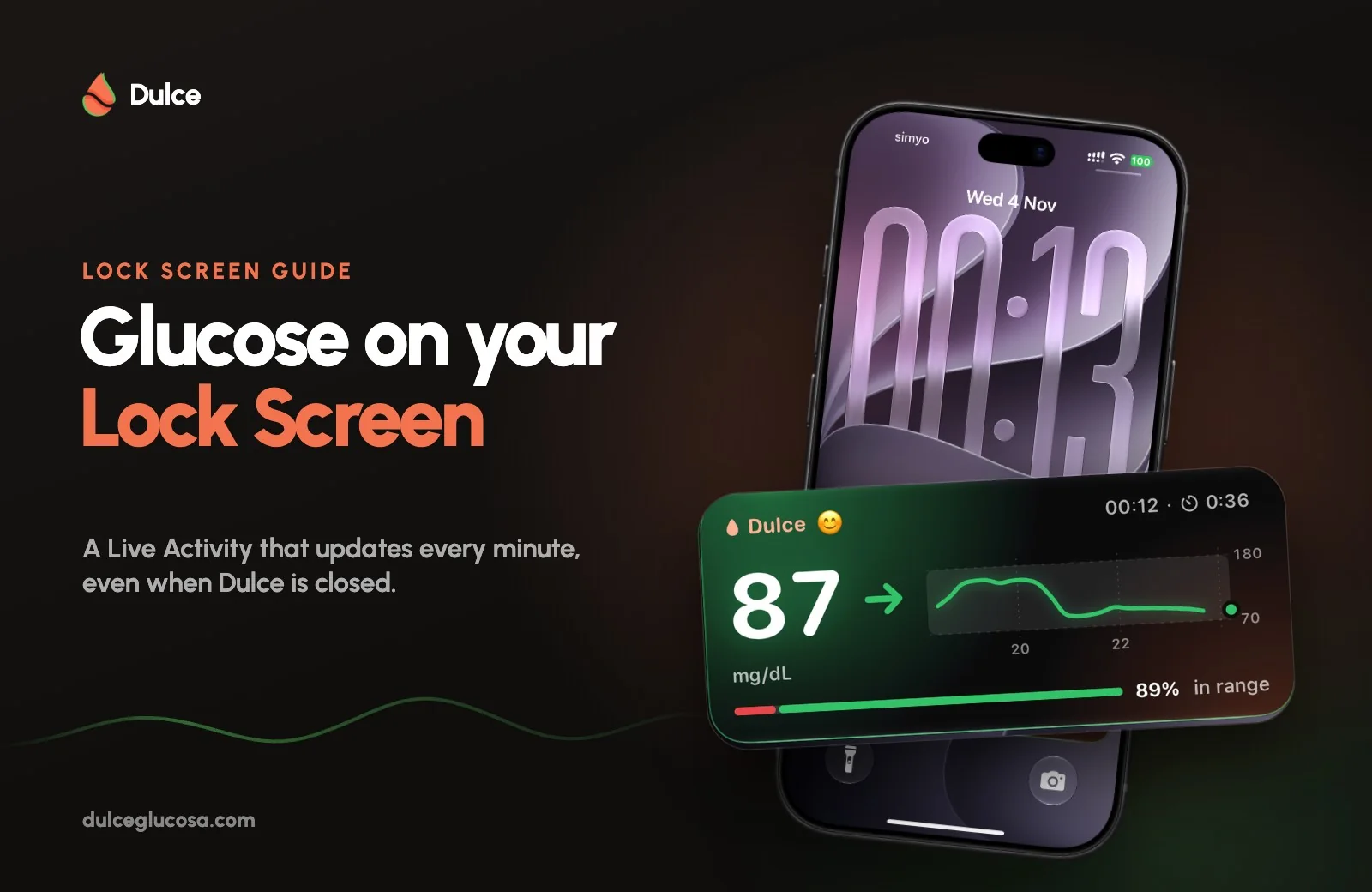
- Have you on their Lock Screen with a Live Activity, just like yours.
- Send you a short message: "Are you OK?", "Check your glucose" or one they write. It arrives as a notification and you reply "I'm OK" with one tap, without opening the app.
You stay in control
In Settings you can turn off Allow messages from family if you'd rather not get them, and remove any follower whenever you want: they stop seeing your glucose immediately. Your family member can also stop following you from their app.
If your family member sees nothing
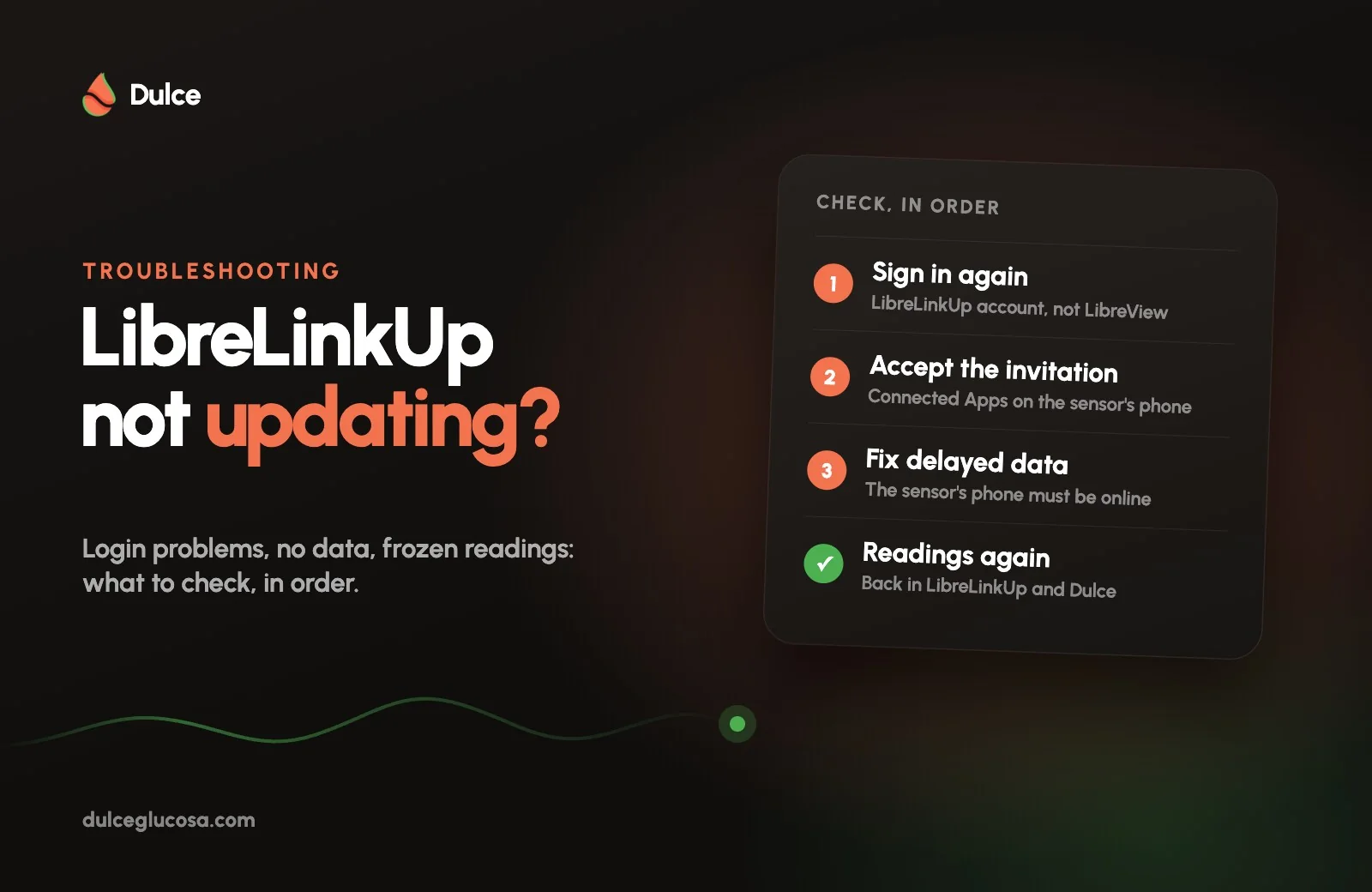
It's almost always because no new readings are reaching LibreLinkUp: the sensor phone has no internet, the Libre app was closed by the system, or sharing is switched off. We go through it in LibreLinkUp not working. To keep alerts useful rather than annoying, see the alerts guide too.
With a Dexcom, check that the Dexcom app still has internet and that Share is on. Dexcom sends a reading every 5 minutes, so a reading a few minutes old is normal.
Quick questions
How can my family see my FreeStyle Libre glucose?
Invite them from Dulce. Go to Settings, Followers, Invite someone, and send them the link or the code. They install Dulce for free and see your glucose in real time, with no sensor and no Abbott account.
How many people can follow me, and what does it cost?
As many as you like, there's no limit. Sharing is a Dulce Pro feature for the person wearing the sensor, with a 14-day free trial; followers pay nothing.
Do my followers get low and high alerts?
Yes. Each follower has their own low and high alerts, with their own quiet hours, and very low readings always reach them. They can also have you on their Lock Screen with a Live Activity. Read more: Glucose alerts on iPhone: lows, highs and how to hear them at night
Can my followers send me messages?
Yes, short ones. A follower can send “Are you OK?”, “Check your glucose” or their own text; it arrives as a notification and you reply “I'm OK” with one tap. You can turn off messages from family in Settings. Read more: How to see your child's glucose on your iPhone
This article is for information and does not replace advice from your care team. Dulce is not a medical device and does not replace your sensor's alarms.
Dulce is an independent app, not affiliated with Abbott. FreeStyle Libre, LibreLink and LibreLinkUp are trademarks of Abbott.
Lives with diabetes, writes the Dulce guides
Levan is Giorgi's brother and also lives with diabetes. He writes the Dulce guides from the point of view of someone who manages diabetes every day.
Tools and setup
Keep reading
Dulce guide
Glucose alerts on iPhone: lows, highs and how to hear them at night
Read →
Dulce guide
Your Libre glucose on the iPhone Lock Screen and Dynamic Island
Read →
Help
LibreLinkUp not working: no recent data, not updating, login
Read →
Dulce guide
CGM for dogs and cats: see your pet's glucose on your iPhone
Read →