Libre 3 signal loss on iPhone: causes and how to fix it
The Signal Loss alarm goes off when the sensor hasn't communicated with the Libre app for 20 minutes, and while it lasts your glucose alarms don't work. Bring the phone within 10 metres (33 ft) of the Libre 3 or 3 Plus, wait 2 to 4 minutes, don't force-close the Libre app, and if it doesn't return, turn Bluetooth off and on and restart the phone. The Libre 3 fills in the missing readings by itself once reconnected.
· 4 min read
The short answer: a Signal Loss alarm means your FreeStyle Libre sensor hasn't talked to the Libre app on your phone for 20 minutes. Move the phone within 10 metres (33 ft) of a Libre 3 or 3 Plus sensor, wait 2 to 4 minutes, and if it doesn't come back, turn Bluetooth off and on, then restart the phone. While the signal is lost, your glucose alarms don't work, so check with a fingerstick if you need a number.
This guide is about the phone that reads the sensor. If the sensor phone is fine but a family member sees nothing in LibreLinkUp, read LibreLinkUp not working instead.
What the Signal Loss alarm means
The Libre 3 and 3 Plus send a reading to your phone every minute over Bluetooth. Abbott's app raises the Signal Loss alarm when the sensor hasn't communicated with it for 20 minutes. It exists to tell you one thing: your glucose alarms aren't available right now. Abbott is clear that low and high alarms only reach you when they're turned on and the sensor is within range of the phone.
The usual causes
According to Abbott, there are three:
- The phone is too far away. The range is 10 metres (33 ft) unobstructed for the Libre 3 and 3 Plus, and 6 metres (20 ft) for the Libre 2. Walls, water and your own body shorten it, which is why it often happens at night with the phone on the other side of the bed or charging in another room.
- Bluetooth is off on the phone.
- A problem with the sensor itself, such as a sensor error.
Two more causes come from how iPhones handle apps in the background:
- You force-closed the Libre app. Abbott's quick-fix steps say to make sure you haven't. When you swipe an app away, iOS stops waking it, and it can no longer listen for the sensor.
- The app lost its Bluetooth permission. On iPhone, check Settings → [your Libre app] → Bluetooth is on, and that notifications are allowed for it so alarms can reach you.
How to fix it, in order
Bring the phone close and wait
Put the phone within 10 metres of the sensor with nothing in between and wait 2 to 4 minutes. Abbott says that's how long reconnecting can take.
Open the Libre app
Open it once so it's running, and tap the "i" symbol next to the message if it's there for more details. Don't swipe it away afterwards.
Turn Bluetooth off and on
In Control Center or Settings, turn Bluetooth off, wait a few seconds and turn it back on.
Restart the phone
If that doesn't work, turn the phone off and on again.
Contact Abbott
If the alarm keeps coming back, call Abbott's customer service for your country. It may be the sensor, and replacing it is up to them.
Are the missing readings lost?
With the Libre 3 and 3 Plus, no: Abbott says the app fills in the gap automatically when the sensor is back in range, without scanning. With the Libre 2, you scan the sensor to recover the readings it stored, which covers the last 8 hours.
Followers in LibreLinkUp see the gap fill in a little later, once the phone uploads the recovered readings.
How to make it happen less
- Keep the phone on the same side of your body as the sensor at night, not on a charger across the room.
- Never force-close the Libre app, and leave Bluetooth on.
- Keep the Libre app's alarms on and its notifications allowed.
- If it happens at the same time every night, look at where the phone is then: it's almost always distance or your body between sensor and phone.
Where Dulce fits in
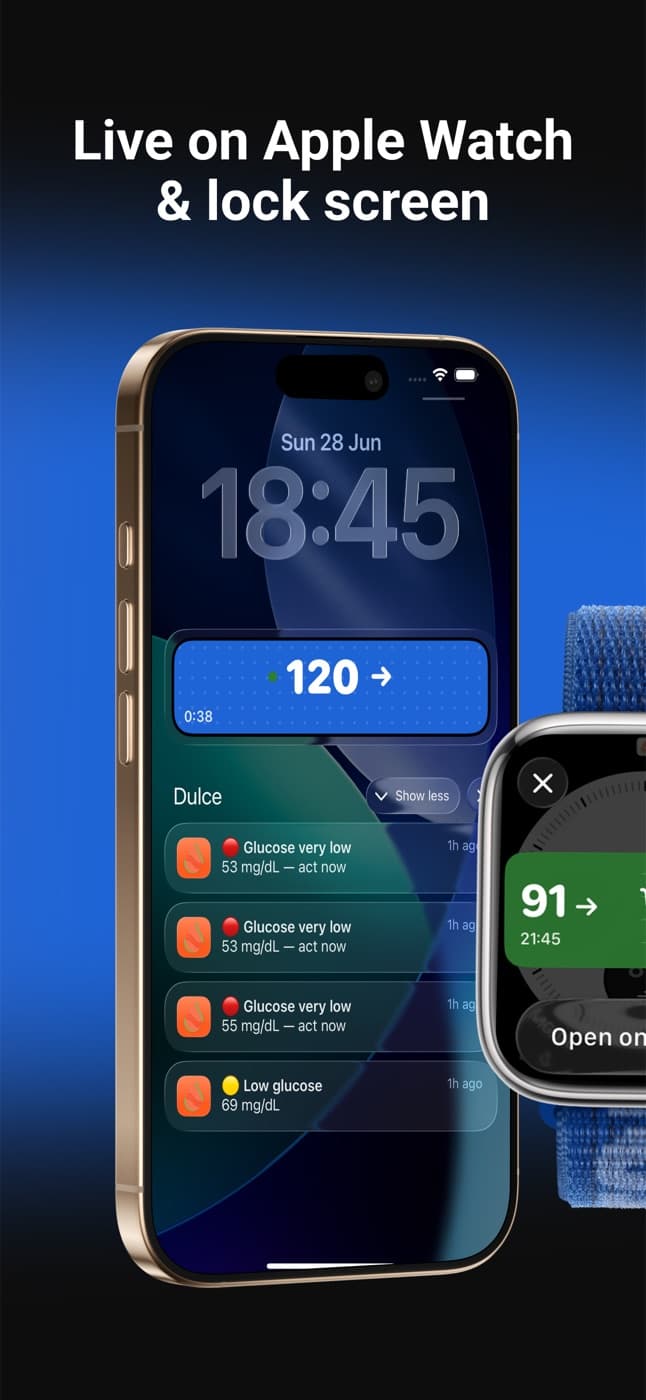
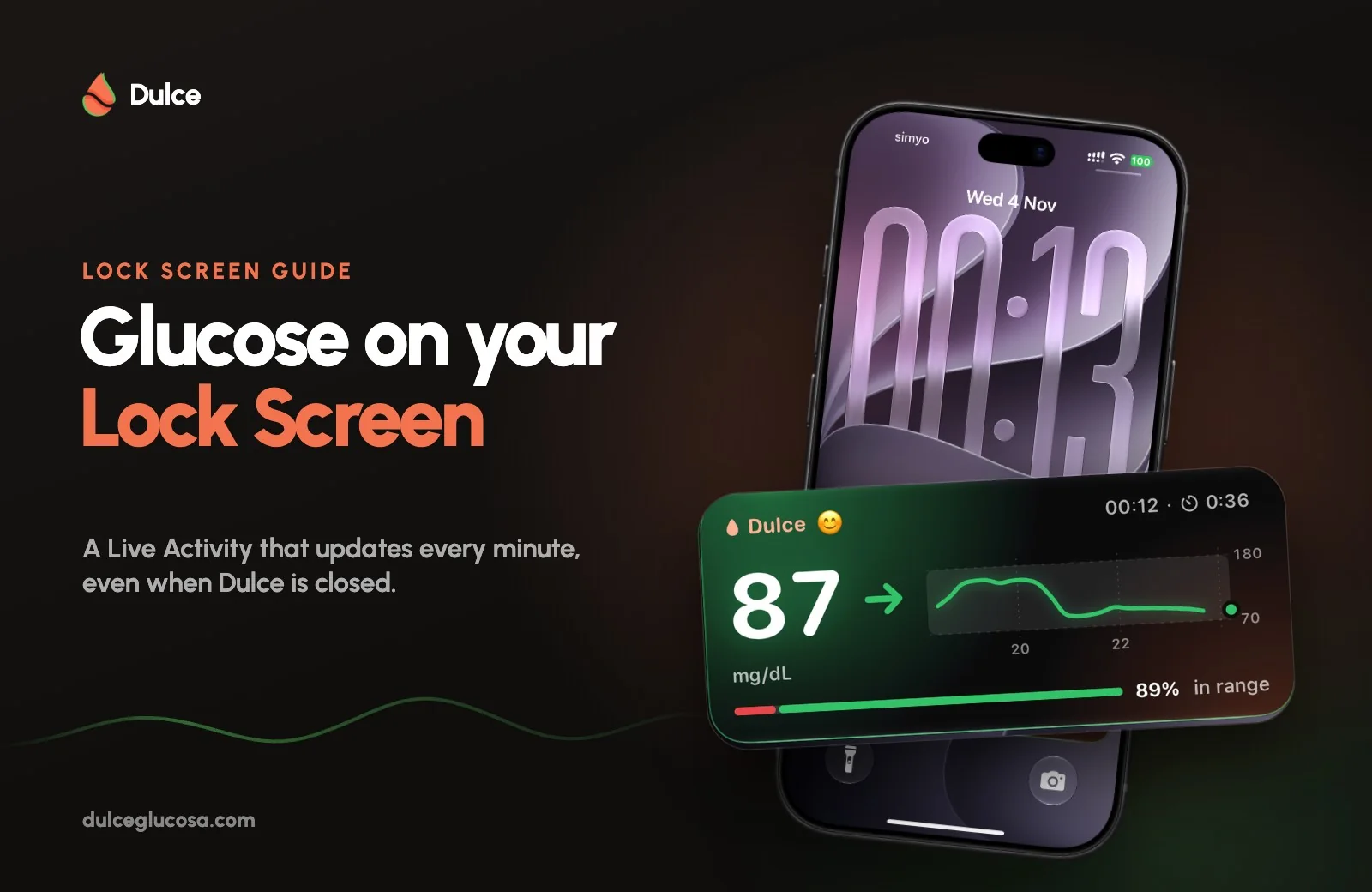
Dulce doesn't talk to the sensor, so it can't fix a lost signal: it shows what Abbott's app uploads through LibreLinkUp. What it does is make a gap obvious. Instead of showing an old number as if it were current, the home screen says "Last reading 25 min ago", the reading is marked as stale, and the Apple Watch, widgets and Lock Screen show its age too. Family members who follow you in Dulce see "Old data" with the minutes, so nobody mistakes a frozen number for a live one.
If the sensor phone is connected but readings still don't arrive anywhere, check Abbott's service on our live LibreLinkUp status page, and set up alerts you'll hear at night with the glucose alerts guide.
Sources
- Abbott. Causes of Signal Loss alerts in the Libre app. freestyle.abbott
- Abbott. Reconnecting a FreeStyle Libre 3 sensor after signal loss. freestyle.abbott
- Abbott. FreeStyle Libre 3 Plus signal loss quick-fix steps. freestyle.abbott
- Abbott. Scan to backfill with FreeStyle Libre 3 in the Libre app. freestyle.abbott
- Abbott. Scan to backfill feature in the Libre app. freestyle.abbott
Quick questions
What does Signal Loss mean on the Libre 3?
That the sensor hasn't communicated with the Libre app on your phone for 20 minutes. While it lasts, your glucose alarms aren't available.
How do I fix Libre 3 signal loss?
Bring the phone within 10 metres (33 ft) of the sensor and wait 2 to 4 minutes. If it doesn't return, turn Bluetooth off and on and restart the phone. If it keeps happening, contact Abbott.
Are readings lost during signal loss?
Not with the Libre 3 and 3 Plus: the app fills in the gap automatically once reconnected, without scanning. With the Libre 2 you scan the sensor to recover the last 8 hours.
Why do I get signal loss at night?
Almost always distance or your body between sensor and phone, for example with the phone charging across the room. Keep it close and on the same side as the sensor.
This article is for information and does not replace advice from your care team. Dulce is not a medical device and does not replace your sensor's alarms.
Dulce is an independent app, not affiliated with Abbott. FreeStyle Libre, LibreLink and LibreLinkUp are trademarks of Abbott.
Founder of Dulce, lives with type 1 diabetes
Giorgi lives with type 1 diabetes and founded Dulce. He built the app because he was tired of unlocking his phone, opening an app and waiting just to see one number. He writes about what he uses every day with his sensor, iPhone and Apple Watch.