Medtronic CareLink glucose on iPhone, widgets and Apple Watch
Yes, with Dulce you can see your Medtronic glucose (Simplera, Guardian, Instinct or MiniMed 780G) on the iPhone Lock Screen, in widgets and on your Apple Watch. Dulce reads your glucose from CareLink: you sign in on Medtronic's own page with your account or a care partner account, and Dulce never sees your password. The connection is unofficial and Medtronic can change it, your Medtronic app has to upload the data, and the widgets cannot fetch readings on their own yet.
· 3 min read
Yes, you can see your Medtronic glucose on the iPhone Lock Screen, in widgets and on your Apple Watch with Dulce. Dulce reads your sensor glucose from CareLink, the Medtronic service your Simplera or MiniMed app already uploads to. It works with Simplera, Guardian, Instinct and MiniMed 780G, and you sign in on Medtronic's own page, so Dulce never sees your password.
How Dulce gets your Medtronic readings
Your Medtronic app uploads sensor readings to CareLink. Dulce signs in to CareLink with your account, or with a care partner account, and reads the sensor glucose from there. A new reading arrives every 5 minutes, so that is how often Dulce can update.
Two things are good to know before you start:
- Medtronic's app has to upload. If your Simplera or MiniMed app is not sending data to CareLink, Dulce has nothing new to show. Gaps in the data are often the phone app not uploading, not Dulce.
- The connection is unofficial. CareLink is not an official connection for other apps, and Medtronic can change it at any time. If that happens, Dulce may stop getting readings until it is updated.
Connect Medtronic in Dulce
Check that CareLink gets your data
Your Simplera or MiniMed app must be uploading to CareLink.
Choose Medtronic in Dulce
Download Dulce from the App Store. On "Which sensor do you use?", tap Medtronic. Under "Where your CareLink account is", pick United States or Outside the US.
Sign in with CareLink
Tap Sign in with CareLink. Medtronic's own CareLink page opens in a sheet. Sign in there with your CareLink account or your care partner account.
CareLink allows one active sign-in per login, so using the same login in another app can sign Dulce out. For Dulce, create a separate CareLink care partner login, have the patient add it as a care partner, and sign in with that one.
Dulce only gets permission to read your sensor glucose. Dulce's server keeps that permission so your Lock Screen stays up to date, and signing out of Dulce ends it.
What you see on your iPhone and watch
- Lock Screen and Dynamic Island (Pro): a Live Activity with your number, trend arrow and the last hours. Dulce's server updates it with each new reading, even when the app is closed. See the Lock Screen guide.
- CarPlay (Pro, iOS 26): the same Live Activity card can show on the CarPlay dashboard. See glucose on CarPlay.
- Apple Watch (Pro): the Dulce watch app and complications. See the Apple Watch guide.
- Widgets (free) for the Home Screen, Lock Screen and StandBy. Read the limit below.
- Alerts at your own low and high limits. See the alerts guide.
- Family (Pro): followers see your glucose on their own iPhone. See family sharing.
Dulce Pro has a 14-day free trial. Connecting Medtronic and the widgets are free.
Limits to know
- Widgets are the weakest spot. For FreeStyle Libre and Dexcom, Dulce's widgets can fetch a reading on their own. For Medtronic they cannot yet, so they show what the app and Dulce's pushes have already delivered, and iOS decides when they refresh. They always show how old the reading is. For a number that follows every reading, use the Live Activity.
- Readings come every 5 minutes, not every minute.
- Check the time of the reading before you rely on any number, and confirm with your Medtronic app or a fingerstick when in doubt.
If Dulce says "Signed in, but no readings yet", CareLink has no sensor readings from the last few hours. Check that your Medtronic app is uploading, then try again. Other messages and fixes are on the sensors page. Using a Libre or Dexcom instead? See Dexcom with Dulce.
Quick questions
Can I see my Medtronic glucose on iPhone with Dulce?
Yes. Dulce reads your glucose from CareLink and works with Simplera, Guardian, Instinct and MiniMed 780G. You sign in on Medtronic's own CareLink page, so Dulce never sees your password.
How often does it update?
Every 5 minutes, which is how often readings reach CareLink. Your Medtronic app has to be uploading data: if it does not, Dulce has nothing new to show.
Does it work with a CareLink care partner account?
Yes. You can sign in with your own account or a care partner account. CareLink allows one active sign-in per login, so the best way is to create a separate care partner login for Dulce.
Are there widgets and Apple Watch support for Medtronic?
There are free widgets, but they cannot fetch readings on their own yet and can lag. The Live Activity and the Apple Watch app are Dulce Pro features, which has a 14-day free trial.
Is this an official Medtronic connection?
No. CareLink is not an official connection for other apps and Medtronic can change it at any time. Dulce is independent and not a medical device, so keep your Medtronic alarms on.
This article is for information and does not replace advice from your care team. Dulce is not a medical device and does not replace your sensor's alarms.
Dulce is an independent app, not affiliated with Abbott. FreeStyle Libre, LibreLink and LibreLinkUp are trademarks of Abbott.
Founder of Dulce, lives with type 1 diabetes
Giorgi lives with type 1 diabetes and founded Dulce. He built the app because he was tired of unlocking his phone, opening an app and waiting just to see one number. He writes about what he uses every day with his sensor, iPhone and Apple Watch.
Tools and setup
Keep reading
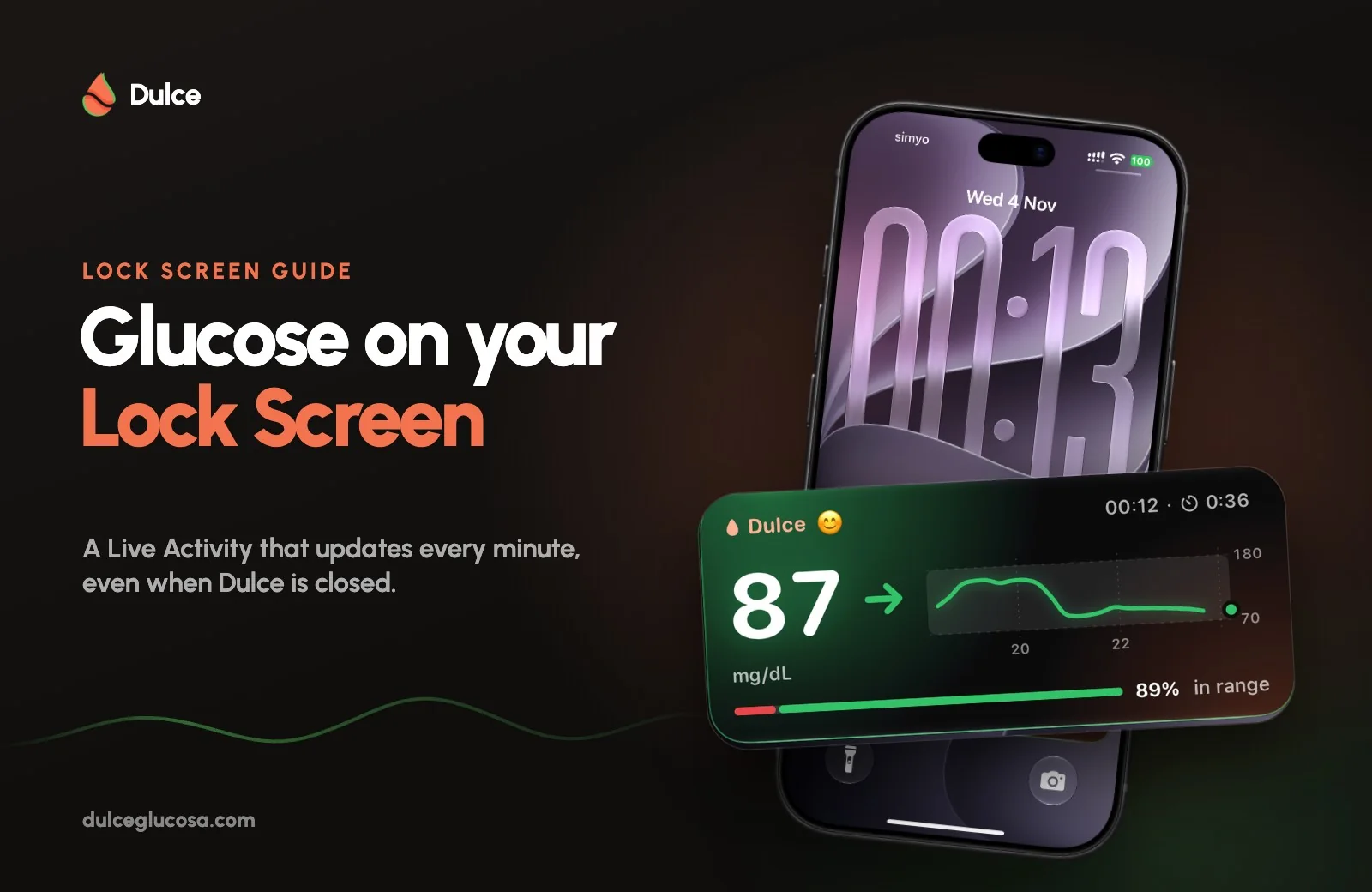
Dulce guide
Your Libre glucose on the iPhone Lock Screen and Dynamic Island
Read →
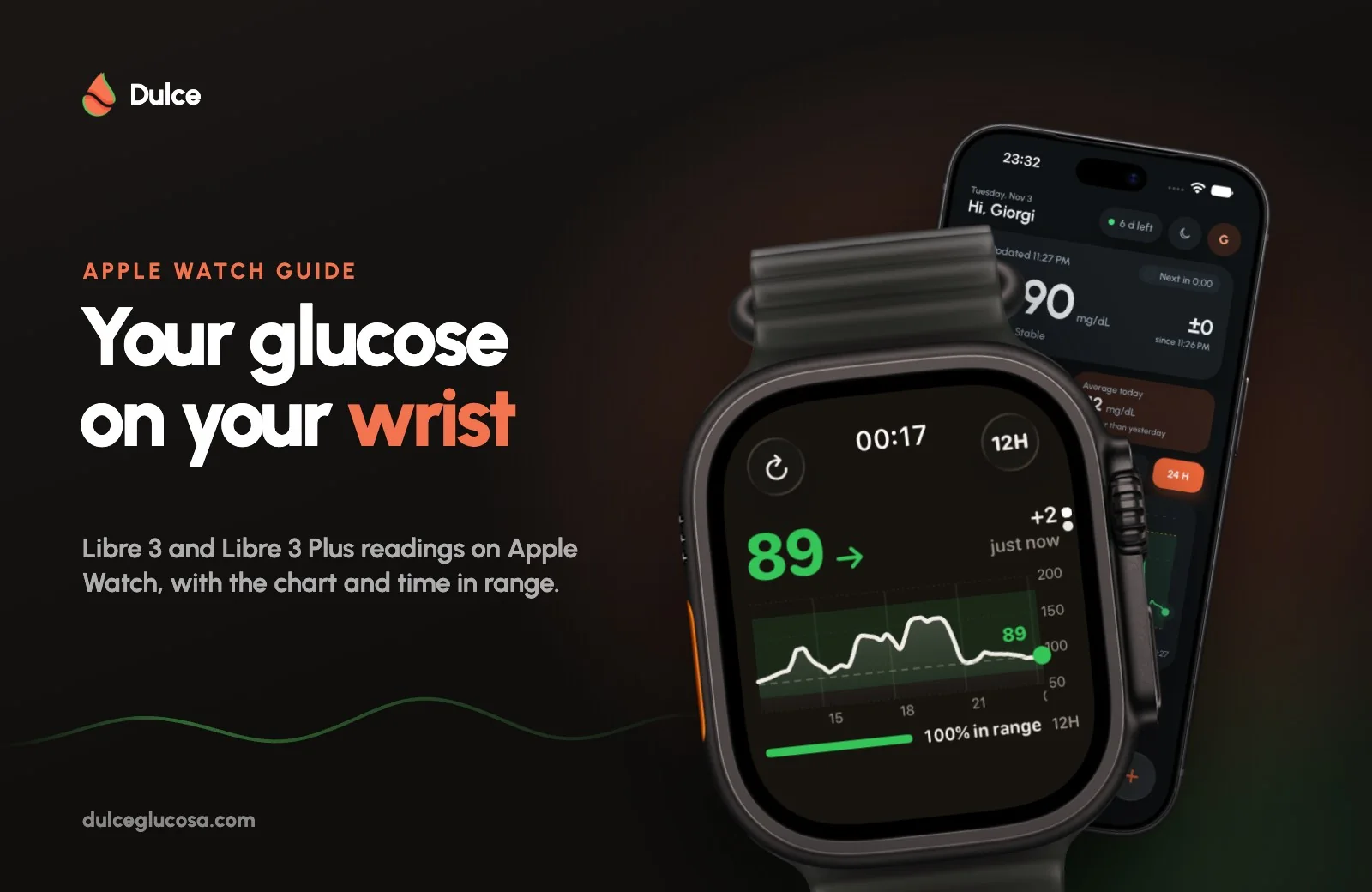
Dulce guide
Libre 3 and Libre 3 Plus on Apple Watch: how to see your glucose
Read →
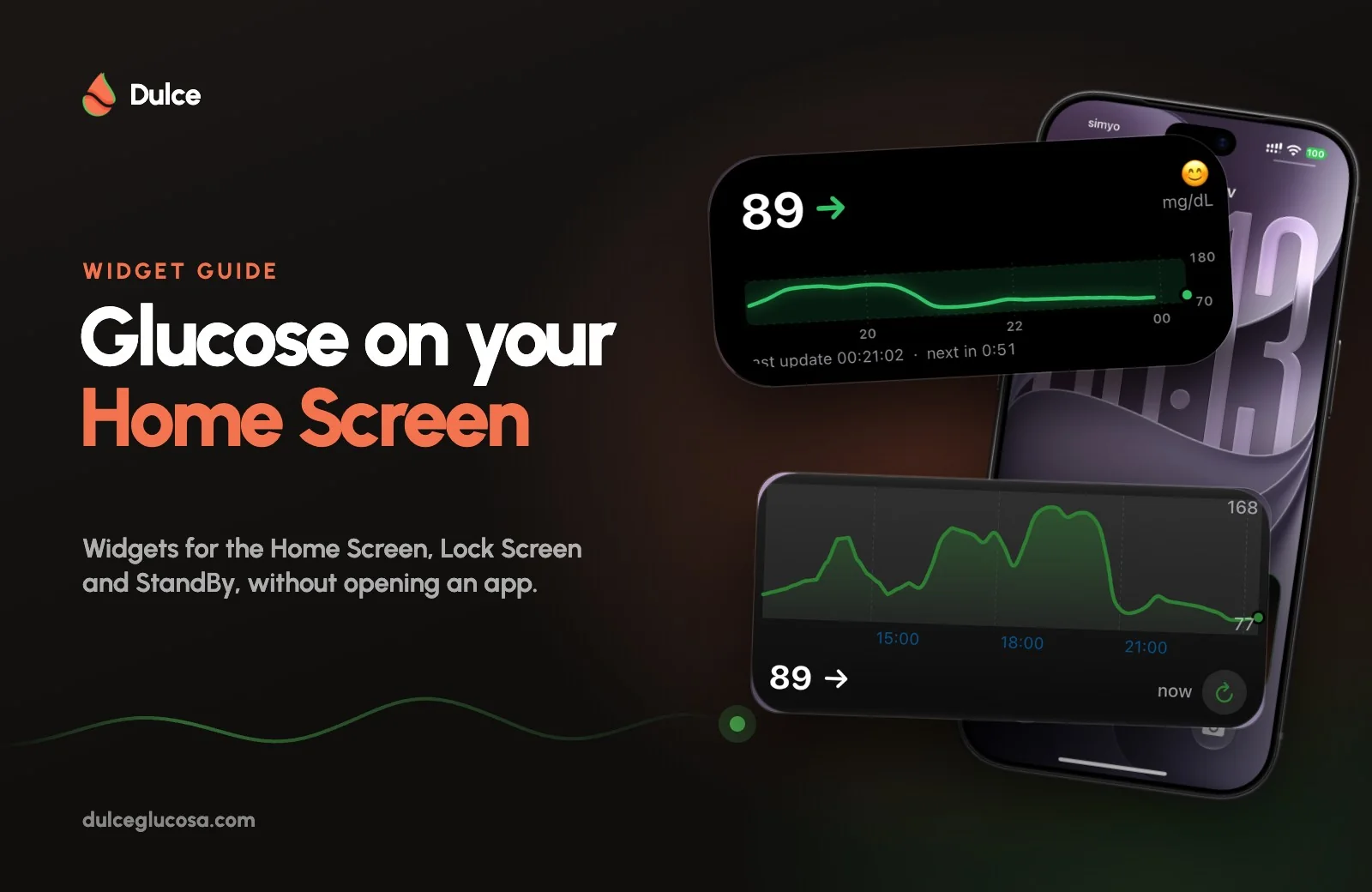
Dulce guide
FreeStyle Libre iPhone Widget: Home, Lock Screen, StandBy
Read →
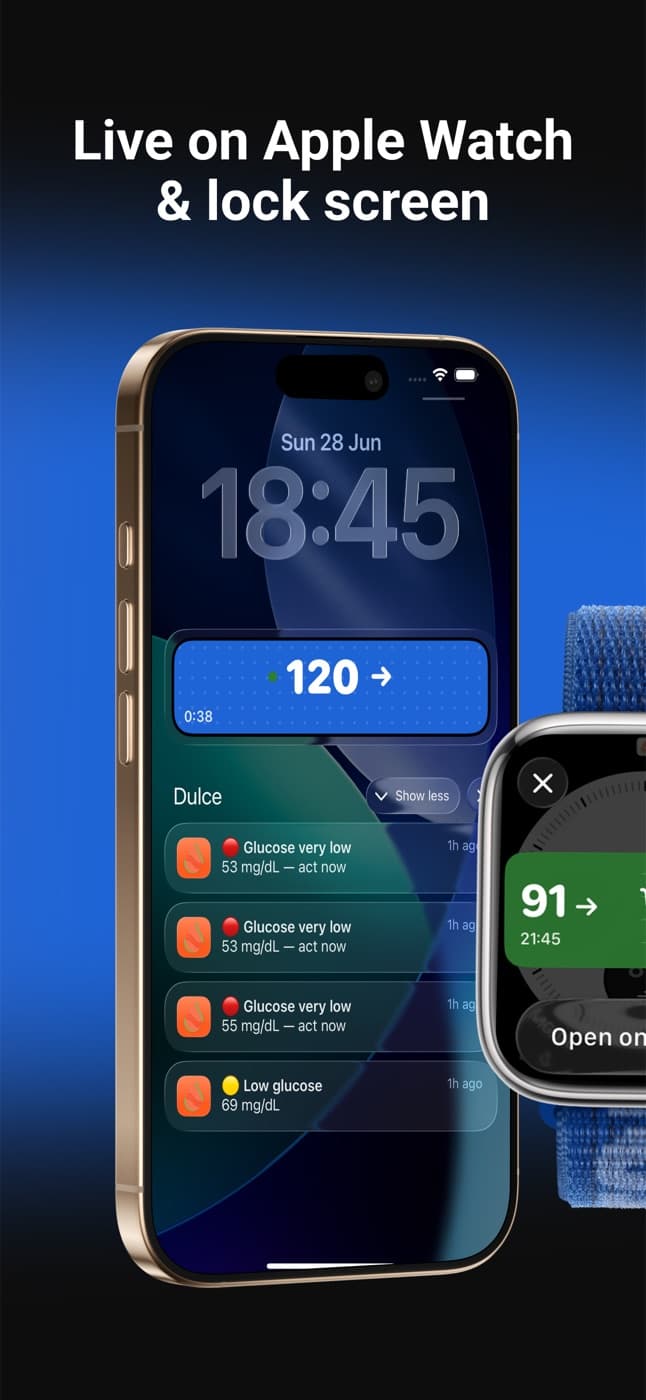
Dulce guide
Dexcom widget, Apple Watch and CarPlay on iPhone with Dulce
Read →