Nightscout on iPhone: Lock Screen, widget and Apple Watch
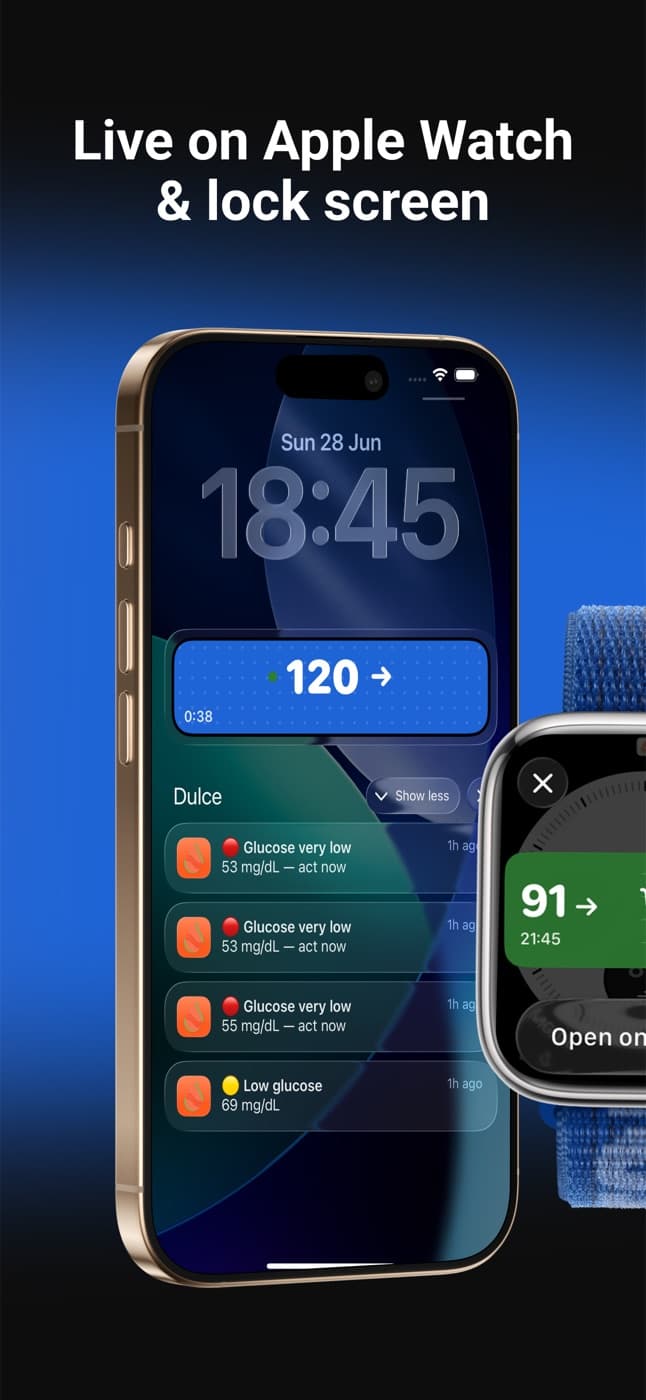
Yes, if your readings reach your own Nightscout site, Dulce can show them on the iPhone Lock Screen, in widgets and on your Apple Watch. You give Dulce the https address of your site and, if it is not open, a read-only access token. Dulce only reads glucose and never writes to your site. It is only as fresh as your site, and the widgets cannot fetch readings on their own yet.
· 3 min read
Yes, if your readings reach your own Nightscout site, Dulce can show them on your iPhone Lock Screen, in widgets and on your Apple Watch. You give Dulce the https address of your site and, if the site is not open, a read-only access token. Dulce only reads glucose: it never writes to your site and ignores treatments.
Who this is for
Nightscout is a site you or someone you trust runs, fed by an uploader from your sensor or system. If you already open your readings in a browser, Dulce can read the same data and put it where you look: the Lock Screen, widgets and your wrist. It works with any sensor or uploader that feeds your Nightscout.
How often Dulce can update depends on how often your site receives readings. If your uploader sends one every 5 minutes, that is the rhythm.
What you need
- A Nightscout site reachable on the internet with an https address. Dulce only connects over https, and addresses that only work inside your home network do not work.
- An access token if your site is not open. Create one in Nightscout under Admin Tools with the "readable" role. A read-only token is safer than your API secret.
- Recent readings: your site needs glucose readings from the last 24 hours.
Connect Nightscout in Dulce
Make a read-only token
In Nightscout, open Admin Tools and create an access token with the "readable" role. Skip this if your site is open.
Choose Nightscout in Dulce
Download Dulce from the App Store. On "Which sensor do you use?", tap Nightscout. Enter the https address you open your site with, for example yoursite.herokuapp.com.
Paste the token and connect
Pick Access token and paste it, or pick API secret if you want to use that instead. Dulce keeps only the SHA-1 fingerprint of the API secret, which is what Nightscout checks. Then tap Connect.
Dulce never writes to your site. The address and token are kept encrypted on your phone and on Dulce's server, which keeps your Lock Screen up to date.
What you see on your iPhone and watch
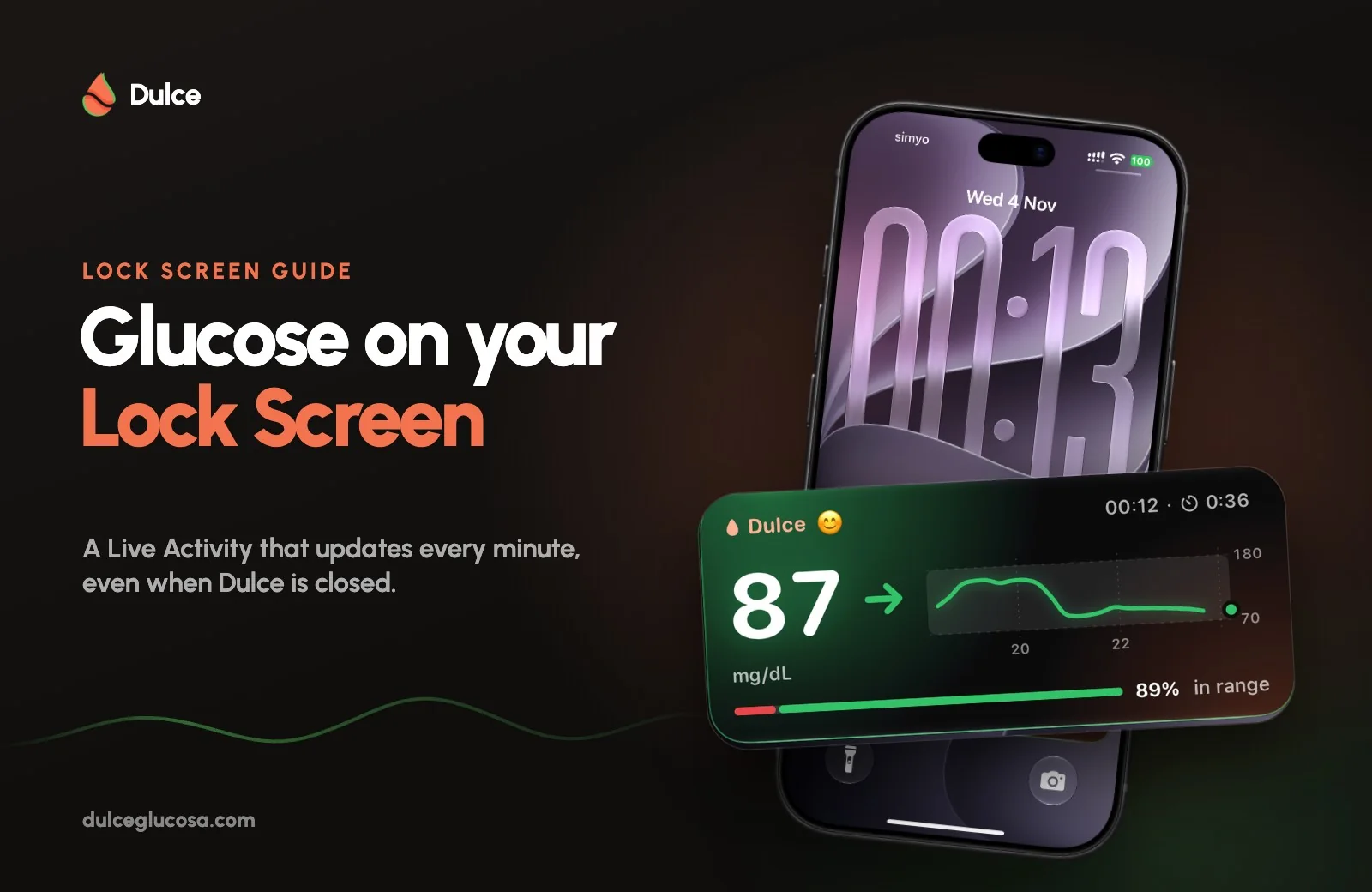
- Lock Screen and Dynamic Island (Pro): a Live Activity with your number, trend arrow and the last hours. Dulce's server updates it with each new reading it finds on your site. See the Lock Screen guide.
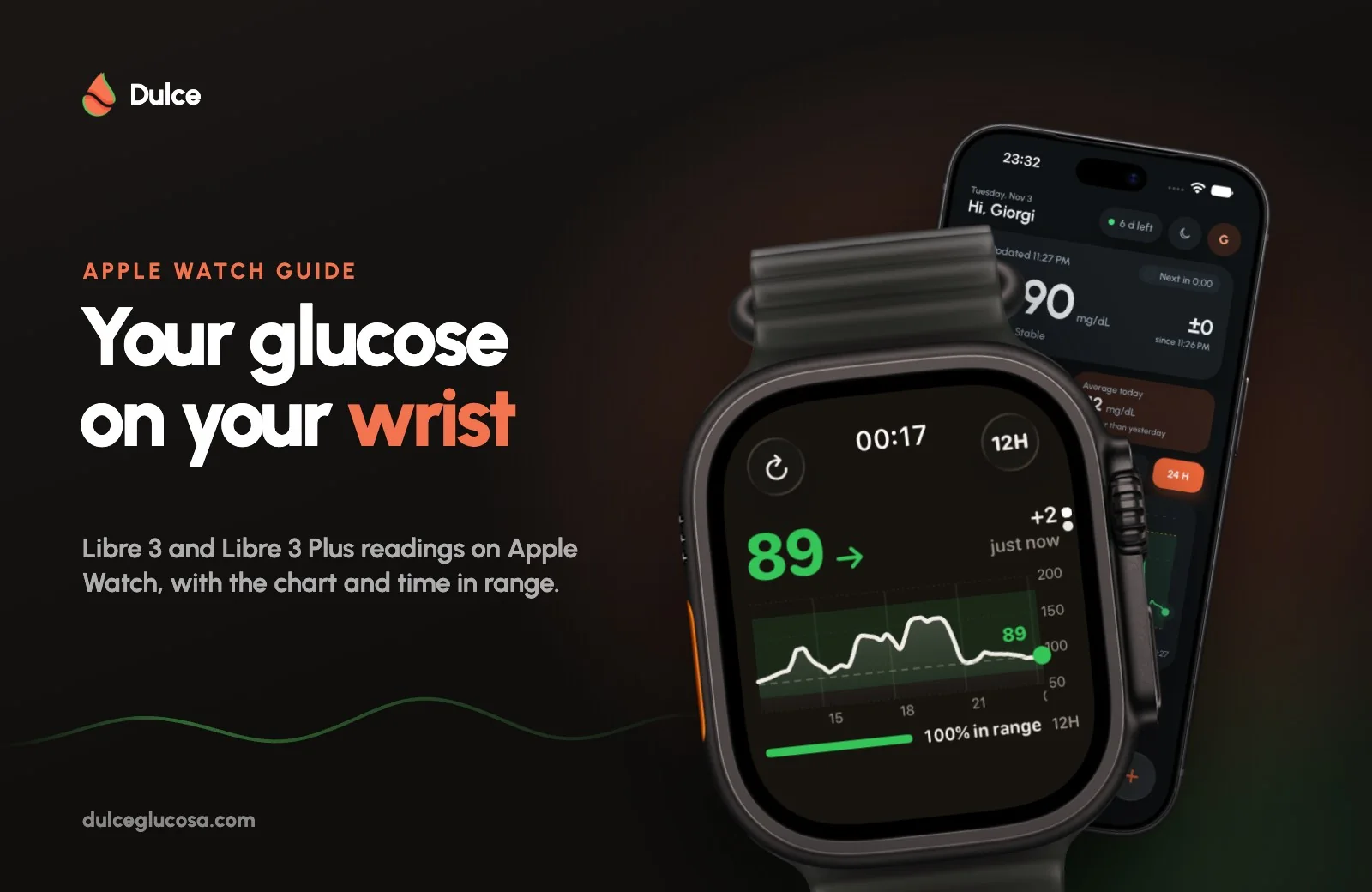
- Apple Watch (Pro): the Dulce watch app and complications. See the Apple Watch guide.
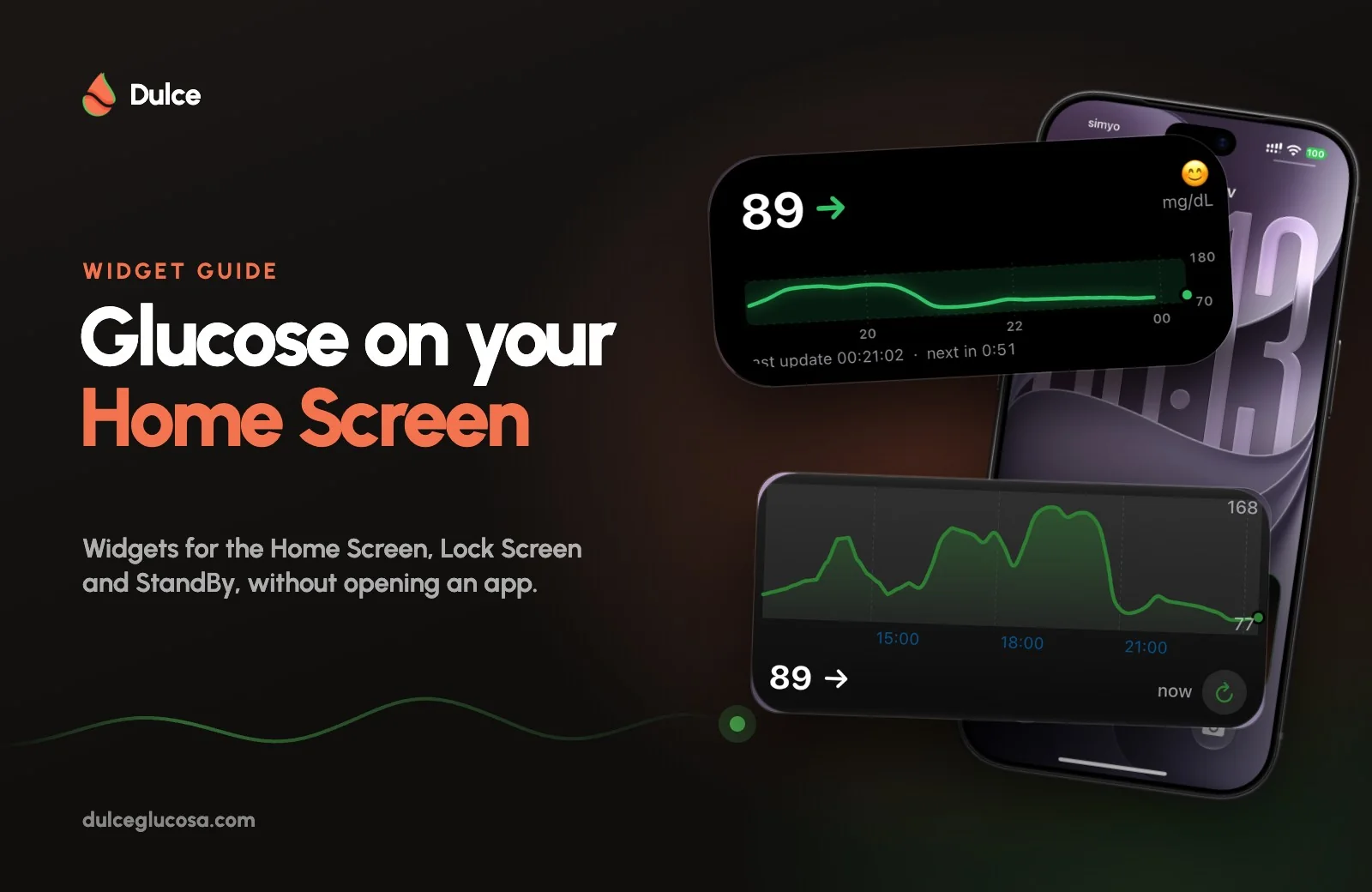
- Widgets (free) for the Home Screen, Lock Screen and StandBy. Read the limit below.
- Alerts at your own low and high limits. See the alerts guide.
- Family (Pro): followers see your glucose on their own iPhone. See family sharing.
Dulce Pro has a 14-day free trial. Connecting Nightscout and the widgets are free.
Limits to know
- Widgets can lag. For FreeStyle Libre and Dexcom, Dulce's widgets can fetch a reading on their own. For Nightscout they cannot yet, so they show what the app and Dulce's pushes have already delivered, and iOS decides when they refresh. They always show how old the reading is. For a number that follows every reading, use the Live Activity.
- Dulce can only be as fresh as your site. If your uploader stops, nothing new reaches Dulce.
- Check the time of the reading before you rely on any number, and confirm with your sensor or a fingerstick when in doubt.
If Dulce says "Access denied", your site needs an access token or the one you entered is wrong. "Connected, but no readings" means the site has no glucose from the last 24 hours, so check your uploader. More on the sensors page. Using a Libre or Dexcom? See the widgets guide.
Quick questions
Can I see my Nightscout on the iPhone Lock Screen?
Yes. Dulce reads glucose from your Nightscout site and shows it in a Live Activity on the Lock Screen, which is a Dulce Pro feature with a 14-day free trial.
What do I need to connect Nightscout?
An https address of your site that is reachable from the internet, and an access token with the readable role if your site is not open. You create it in Nightscout under Admin Tools. Dulce also accepts the API secret, but a read-only token is safer.
Does Dulce write to my Nightscout site?
No. Dulce only reads glucose and writes nothing to your site. It ignores treatments.
Is there a Nightscout widget for iPhone?
There are free widgets for the Home Screen, Lock Screen and StandBy, but with Nightscout they cannot fetch readings on their own yet and can lag. For a number that follows every reading, use the Live Activity.
How often does it update?
It depends on how often your site receives readings. Dulce cannot be fresher than your Nightscout, so if your uploader stops, nothing new arrives.
This article is for information and does not replace advice from your care team. Dulce is not a medical device and does not replace your sensor's alarms.
Dulce is an independent app, not affiliated with Abbott. FreeStyle Libre, LibreLink and LibreLinkUp are trademarks of Abbott.
Founder of Dulce, lives with type 1 diabetes
Giorgi lives with type 1 diabetes and founded Dulce. He built the app because he was tired of unlocking his phone, opening an app and waiting just to see one number. He writes about what he uses every day with his sensor, iPhone and Apple Watch.
Tools and setup
Keep reading
Dulce guide
Your Libre glucose on the iPhone Lock Screen and Dynamic Island
Read →
Dulce guide
Libre 3 and Libre 3 Plus on Apple Watch: how to see your glucose
Read →
Dulce guide
FreeStyle Libre iPhone Widget: Home, Lock Screen, StandBy
Read →
Dulce guide
Dexcom widget, Apple Watch and CarPlay on iPhone with Dulce
Read →