Type 1 diabetes at school: a parent's guide to plans and phones
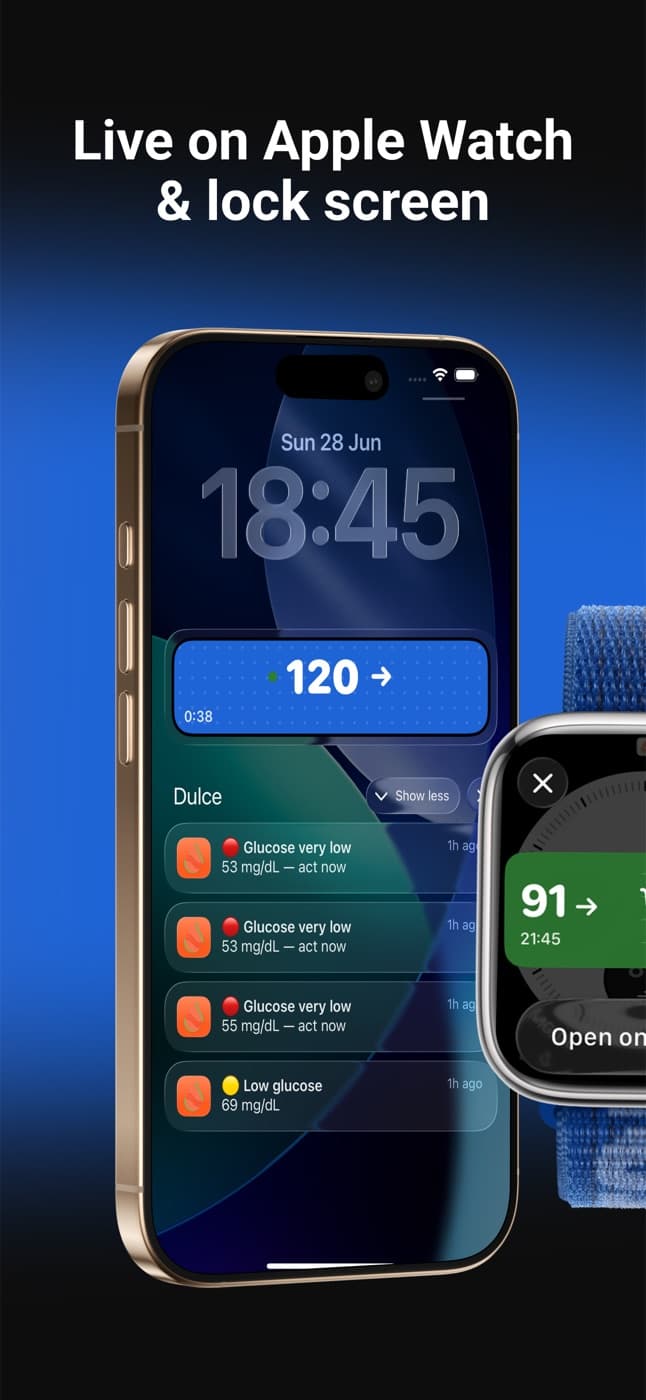
Before the first day, agree a written plan with the school: how to treat a low, who is trained and who to call. The phone reading the sensor has to stay near your child and online, so ask for it to be written into the plan as a medical need. With Dulce you see their glucose on your own Lock Screen, with your own alerts, without calling the school.
· 4 min read
Sending a child with type 1 diabetes to school means trusting other adults with something you've been watching around the clock. A written plan and a glucose sensor you can follow from work make that much easier. This guide is for parents: what to agree with the school, what to do about phones in class, and how to follow your child's glucose during the day without calling every hour.
Agree a plan before the first day
International guidance for schools says a diabetes plan should be developed and agreed with parents before the child starts. Each country has its own forms and rights. In the US it's usually a Diabetes Medical Management Plan, often with a 504 plan. In Europe, ask your diabetes team and your national association what your school has to provide. Whatever the form, the plan should cover:
- How to recognise and treat a low, and where the supplies are.
- Who at school is trained, and who covers when they're away.
- Meals, snacks, sport and exams.
- What the sensor alarm means and who responds to it.
- Who to call, and in what order.
The phone problem
Sensors usually send readings to a phone, so a school phone ban is the first thing to solve. The phone reading the sensor has to stay close to your child and online, or nobody can see the readings. The American Diabetes Association's school guidance says the plan should set out how the CGM is managed at school and that the school should follow it. Ask for the phone to be written into the plan as a medical need.
For younger children, ask where the phone will be and who hears it. It may be kept by the teacher, as long as it stays within range of the sensor.
Following from work
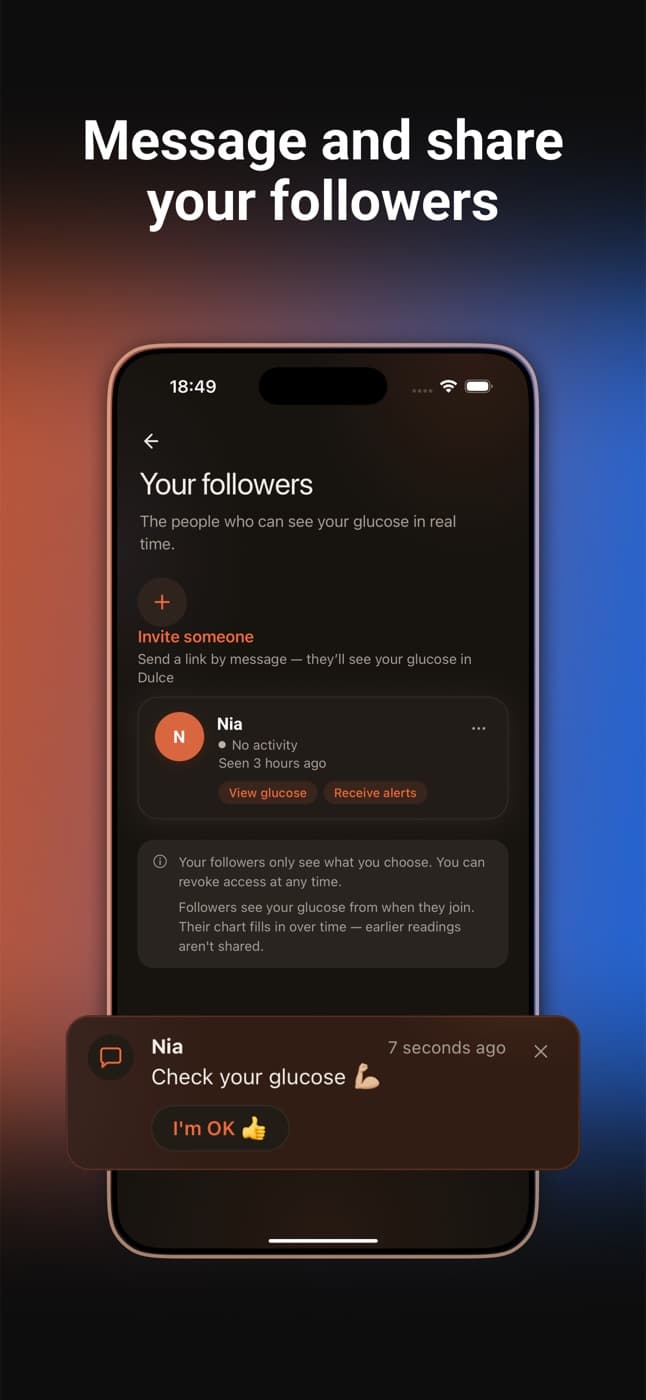
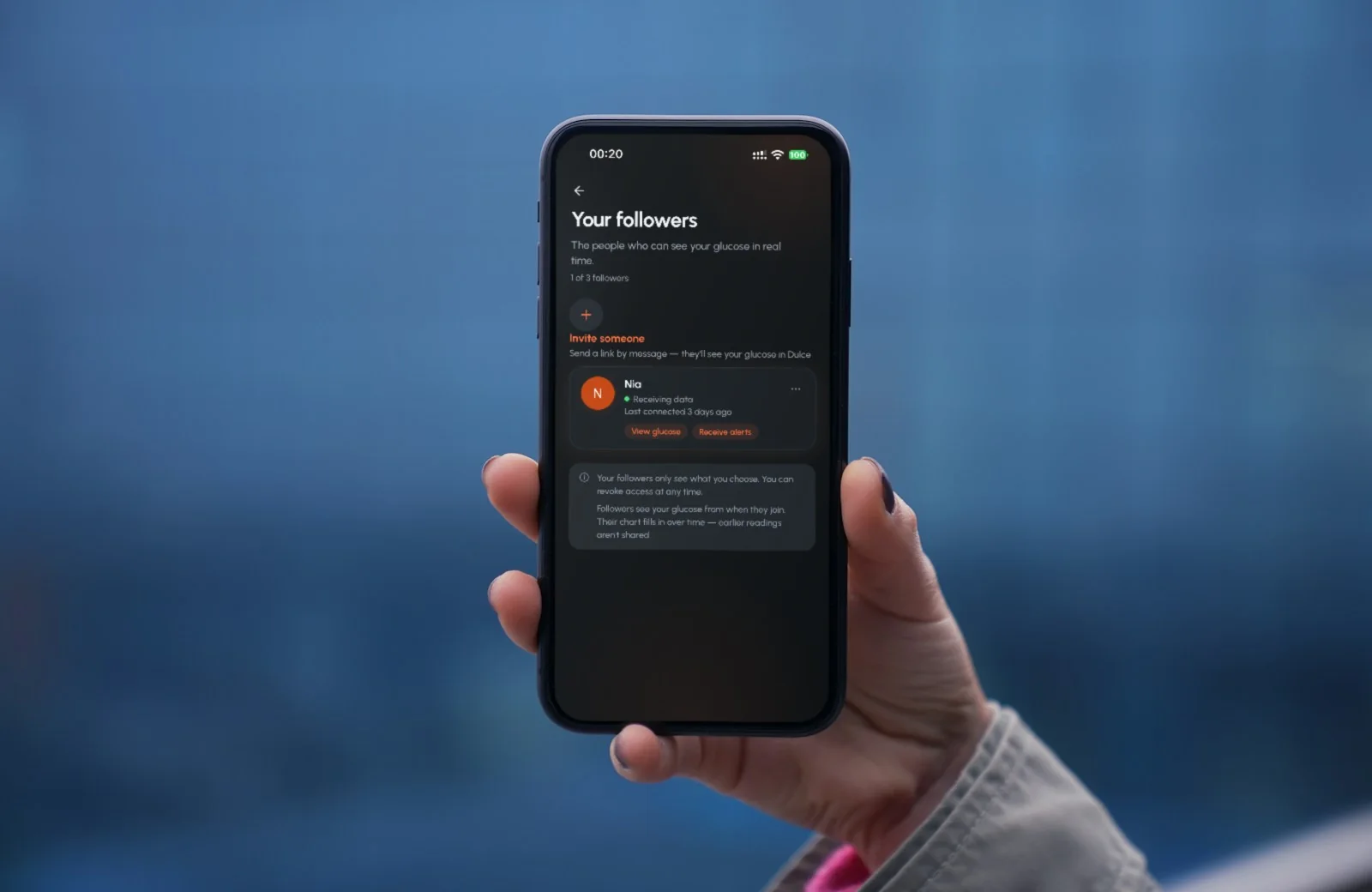
If the Libre app on your child's phone shares with your LibreLinkUp account, you can open Dulce on your own iPhone with that account. Nothing changes on their side. Teens with their own iPhone can use Dulce and invite you from Settings → Followers, as the guide to seeing your child's glucose explains.
You'll then see their glucose on your own Lock Screen and get your own low and high alerts. The second parent and a grandparent can follow as well, there's no limit, and followers pay nothing. Inviting followers is a Dulce Pro feature with a 14-day free trial.
Keep calm in the school day
- Agree who acts. If every follower reacts to the same low, the school gets three calls.
- Wait for the trend. A sensor lags, and an arrow often tells you whether a low is already being treated. The alerts guide explains the settings.
- Mind the teenager. Short messages like "Are you OK?" answered with one tap beat a call in the middle of class, and they can be turned off.
- Set alerts for the school day. Too many false alarms teach everyone to ignore them.
If you've only just received the diagnosis, start with the guide to the first weeks.
What to give the teacher
One page: a photo of your child, what a low looks like for them, what to do, and your numbers. Teachers don't need an app or a login. School staff aren't expected to follow your child's data on their own phones unless the plan says so.
Sources
- Lawrence S. E. et al. ISPAD Clinical Practice Consensus Guidelines 2022: Management and support of children and adolescents with diabetes in school. Pediatric Diabetes 2022;23:1478-1495. doi.org/10.1111/pedi.13432
- American Diabetes Association. Safe at School: CGM guidance. 2024. diabetes.org
- American Diabetes Association Professional Practice Committee. Children and Adolescents: Standards of Care in Diabetes-2026. Diabetes Care 2026;49(Suppl 1):S297-S320. doi.org/10.2337/dc26-S014
Quick questions
Can my child keep a phone at school for diabetes?
Ask for it in writing. The phone reading the sensor has to stay near them and online, so it's best written into the plan as a medical need.
Can I see their glucose from work?
Yes. With Dulce you see it on your iPhone with your own alerts, if their Libre app shares with your LibreLinkUp account or they invite you from Dulce. Read more: How to see your child's glucose on your iPhone
Can a child use Dulce?
Dulce is used by the adult. Under 14, a parent or guardian follows the child's glucose under their own responsibility.
Does the teacher need to install anything?
No. The school plan and one page of what to do are enough. Nobody expects them to follow data on their own phone unless the plan says so.
This article is for information and does not replace advice from your care team. Dulce is not a medical device and does not replace your sensor's alarms.
Dulce is an independent app, not affiliated with Abbott. FreeStyle Libre, LibreLink and LibreLinkUp are trademarks of Abbott.
Founder of Dulce, lives with type 1 diabetes
Giorgi lives with type 1 diabetes and founded Dulce. He built the app because he was tired of unlocking his phone, opening an app and waiting just to see one number. He writes about what he uses every day with his sensor, iPhone and Apple Watch.