FreeStyle Libre and Apple Health: what you can see together
Apple Health stores blood glucose, insulin and carbs written by different apps, and you decide which apps may read or write each one. Dulce only reads from Apple Health (glucose, insulin and carbs, with Dulce Pro) and never writes to it; your sensor glucose reaches Dulce through LibreLinkUp, not through Health. You can revoke Dulce's access at any time in the Health app.
· 2 min read
Apple Health is where your iPhone gathers health data from different apps and devices: steps, sleep, weight and, if you have diabetes, glucose, insulin and carbs too. The usual question is how your FreeStyle Libre fits in and what Dulce does with that data.
What diabetes data Apple Health stores
Apple Health has categories for blood glucose, insulin delivery and carbohydrates. Each app writes what it wants, and you decide which apps may read and write each one. To see who writes your glucose, open the Health app, search for "Blood Glucose" and open Data Sources & Access.
Which apps write there depends on your sensor, your country and each app's version, so that screen is the most reliable place to check.
What Dulce does with Apple Health
Dulce only reads. It never writes anything to Apple Health. It can read three things, and you choose which:
- Glucose: for example, readings from a Bluetooth meter that saves its data to Health.
- Insulin: for example, from a smart pen or another app where you log it.
- Carbs: for example, from a nutrition app.
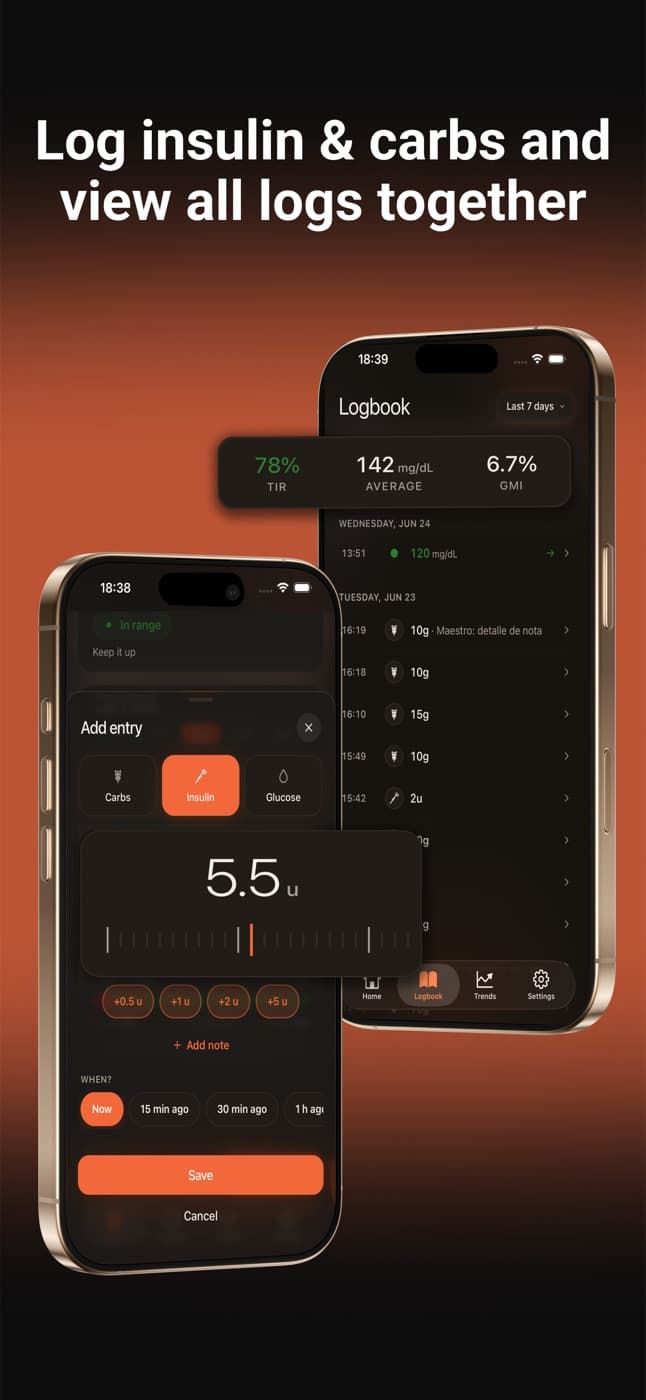
That data appears in the Logbook and in Trends next to your sensor readings, marked "from Apple Health". So what used to be spread across several apps sits in one place.
How to turn it on
Open the Apple Health settings in Dulce
In Dulce, go to Settings and find the Apple Health section. You can also start from the "See your Apple Health data in Dulce" card in the Trends tab.
Choose what to read
Turn on Glucose, Insulin or Carbs. It's a Dulce Pro feature, with a 14-day free trial.
Grant permission in iOS
iOS shows its Health permission screen. Tick the categories you want to share with Dulce and tap Allow.
In Settings you'll see when Dulce last read each category.
How to revoke permission
You can revoke it any time from your iPhone: in the Health app, tap your profile picture, open Apps (or Apps and Services), choose Dulce and turn off what you don't want to share. You can also turn each category off in Dulce's settings.
Privacy
Data Dulce reads from Apple Health is used to show it to you in the app. Dulce has no ads and doesn't sell data. The details are in our privacy policy.
Quick questions
Do I need Apple Health to use Dulce?
No. Dulce gets your glucose from the sensor through LibreLinkUp. Apple Health is optional and adds data from other apps.
Does Dulce send my glucose to Apple Health?
No. Dulce only reads from Apple Health; it writes nothing.
Does Apple Health data show on the Live Activity and Apple Watch?
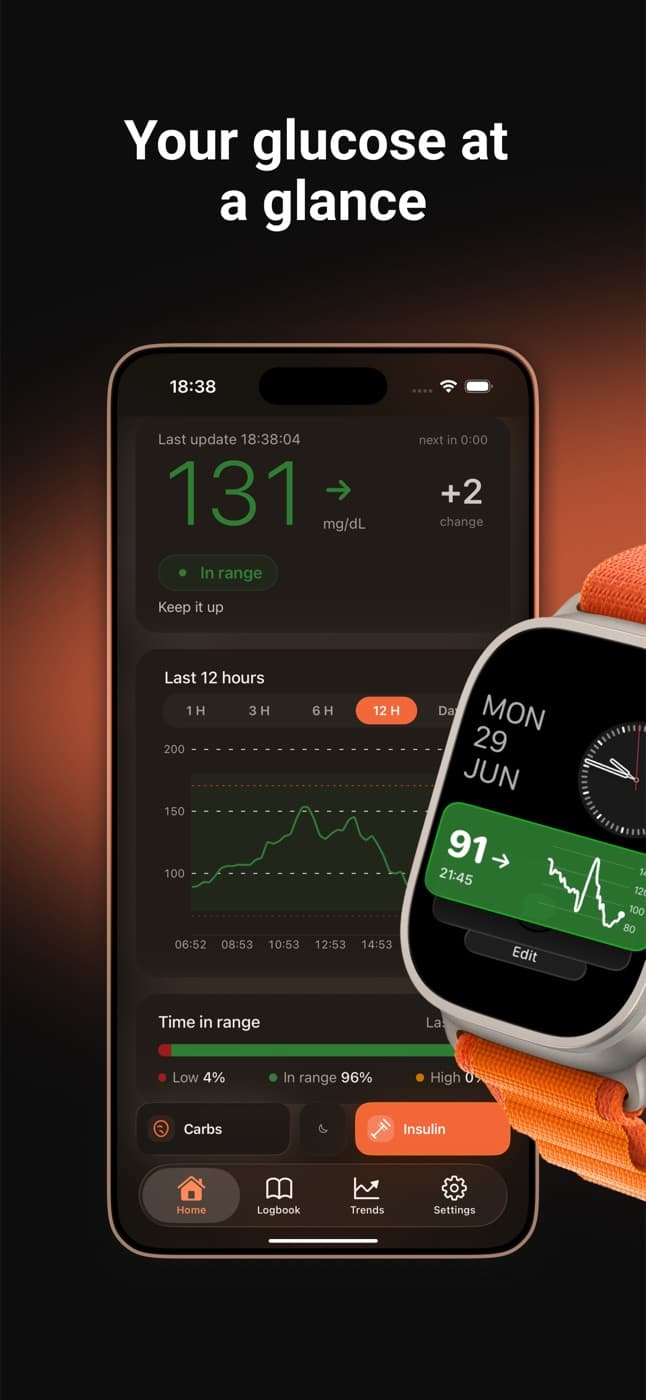
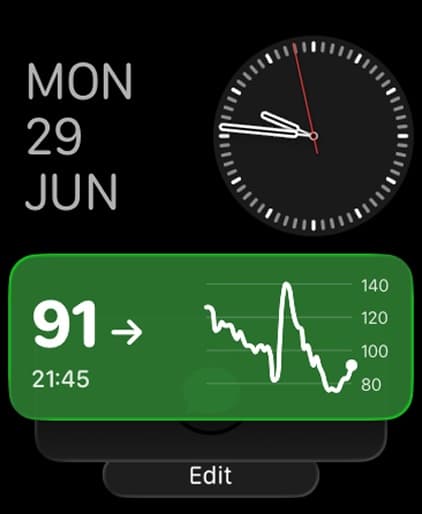
No. Those show your sensor readings. Health data appears in the Logbook and in Trends.
This article is for information and does not replace advice from your care team. Dulce is not a medical device and does not replace your sensor's alarms.
Dulce is an independent app, not affiliated with Abbott. FreeStyle Libre, LibreLink and LibreLinkUp are trademarks of Abbott.
Lives with diabetes, writes the Dulce guides
Levan is Giorgi's brother and also lives with diabetes. He writes the Dulce guides from the point of view of someone who manages diabetes every day.