LibreLinkUp not working: no data, not updating or can't log in
Almost every LibreLinkUp problem is one of three: you can't log in (usually because you're typing your LibreLink password, which belongs to a separate account), you log in but see no data (nobody is sharing with that account yet), or the data stops updating. Readings travel sensor → Libre app → Abbott's cloud → LibreLinkUp, so for frozen data check that the sensor phone has internet, keeps the Libre app running and stays near the sensor.
· 4 min read
LibreLinkUp is Abbott's app for following someone else's glucose, and also the door your data comes through into apps like Dulce. When it breaks, it's almost always one of three things: you can't log in, you log in but see no data, or the data stops updating. Let's take them one at a time.
1. I can't log in to LibreLinkUp
Are you using the right account? This is by far the most common mistake. LibreLink (the app you scan or read your sensor with) and LibreLinkUp (the follower app) are separate apps with separate accounts, even if you use the same email. If your password "doesn't work", you're probably typing your LibreLink one into LibreLinkUp. We explain it with screenshots in LibreLink vs LibreLinkUp. Your LibreView login is the LibreLink one too, so it won't work here either: see what LibreView is.
Have you tried many times in a row? Abbott's servers block repeated sign-ins for a while. Wait a minute before trying again.
Has Abbott changed its terms? From time to time LibreLinkUp asks you to accept new terms. Open the LibreLinkUp app, sign in and accept them.
Is the account from another country? According to Abbott, LibreLinkUp connections only work between users in the same region.
2. I log in but don't see any data
Your LibreLinkUp account works, but nobody is sharing with it yet. The person wearing the sensor has to invite it:
Open the sensor's Libre app
On the phone of the person wearing the sensor, open FreeStyle LibreLink or FreeStyle Libre 3.
Go to Connected Apps
From the menu, open the connected apps section and choose LibreLinkUp.
Add the connection
Type the same email the LibreLinkUp account was created with. Abbott requires an exact match.
Accept the invitation
Open LibreLinkUp with that account and accept the invitation. Readings start arriving from then on.
If you'd already done this and still see nothing, check these cases, which according to Abbott are not shared:
- The sensor was started with a reader or another phone.
- Readings were taken by scanning with the reader, not the phone.
- You're using a special edition of the Libre app, which isn't compatible with LibreLinkUp.
3. Data is delayed or frozen
Readings travel like this: sensor → Libre app on the phone → Abbott's cloud → LibreLinkUp. If any step breaks, what you see stops moving.
- The sensor phone needs internet. Without data or Wi-Fi, readings stay on that phone. When the connection returns, the chart fills in, but notifications may show only the latest reading.
- The sensor has to be near the phone. With FreeStyle Libre 3, readings only arrive while the sensor is within Bluetooth range of the phone.
- Don't force-quit the Libre app. If you swipe it away, iOS may stop waking it and it stops uploading readings.
- Low Power Mode and turning off Background App Refresh for the Libre app also slow uploads.
- The follower needs internet too, of course.
LibreLinkUp alarms don't go off
- Alarms only exist with FreeStyle Libre 2 and Libre 3, and the person wearing the sensor has to have them turned on in their Libre app.
- In LibreLinkUp, each connection has its own notification settings: check them.
- If the phone is on silent, vibrate or a Focus mode, LibreLinkUp can't break through it.
Dulce's alerts follow the same iPhone sound settings, and its critical alert for severe lows comes through Dulce's quiet hours and snoozes. How to set them so you hear them at night is in the guide to glucose alerts on iPhone.
Where Dulce fits in
Dulce reads your data through LibreLinkUp, so everything above affects it too: if LibreLinkUp gets no readings, neither does Dulce. The difference is that Dulce tells you clearly: it always shows how long ago the last reading was, and when you sign in it tells you if you're using the wrong account or if nobody is sharing with your account yet.
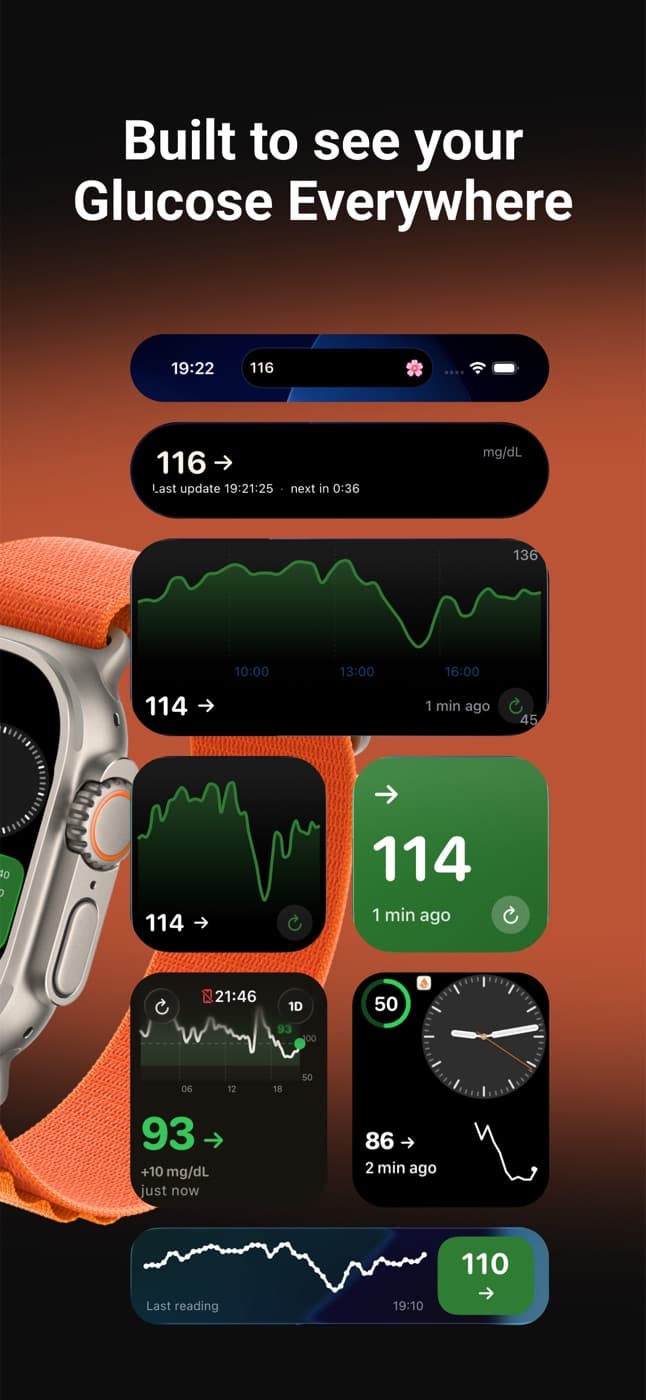
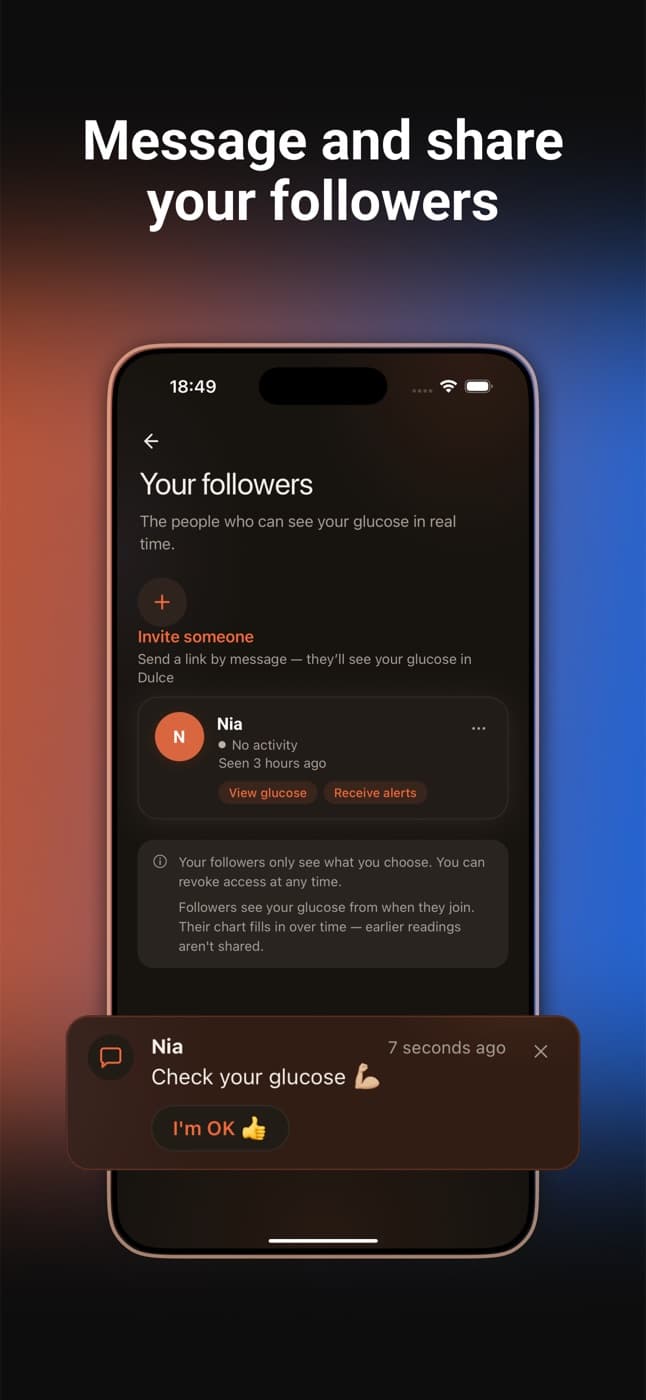
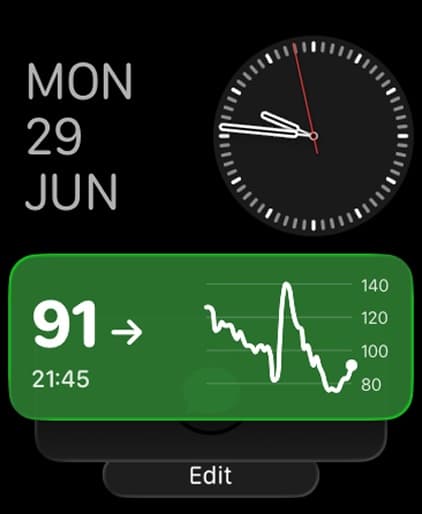
Once it works, you can put your glucose in an iPhone widget or share it with up to 3 family members without them creating an Abbott account: see the family sharing guide.
Source
- Abbott. LibreLinkUp FAQs. librelinkup.com
Quick questions
Why can't I log in to LibreLinkUp?
Almost always because you're typing your LibreLink password. LibreLink and LibreLinkUp are separate apps with separate accounts. If you've tried many times in a row, wait a minute, and accept any new terms the app asks for.
Why does LibreLinkUp show no data?
Because nobody is sharing with that account yet. On the phone of the person wearing the sensor, open the Libre app, go to Connected Apps, add LibreLinkUp with the exact email of the LibreLinkUp account and accept the invitation in LibreLinkUp.
Why is LibreLinkUp delayed or frozen?
Almost always because the sensor phone isn't uploading. It needs internet, with Libre 3 the sensor must be within Bluetooth range, and the Libre app must not be force-quit or slowed down by Low Power Mode.
Does Dulce work if LibreLinkUp gets no data?
No. Dulce receives your readings through LibreLinkUp, so if LibreLinkUp gets nothing, neither does Dulce. Dulce does show how long ago the last reading was and tells you at sign-in if you're using the wrong account. Read more: How to share your Libre glucose with your family
This article is for information and does not replace advice from your care team. Dulce is not a medical device and does not replace your sensor's alarms.
Dulce is an independent app, not affiliated with Abbott. FreeStyle Libre, LibreLink and LibreLinkUp are trademarks of Abbott.
Lives with diabetes, writes the Dulce guides
Levan is Giorgi's brother and also lives with diabetes. He writes the Dulce guides from the point of view of someone who manages diabetes every day.