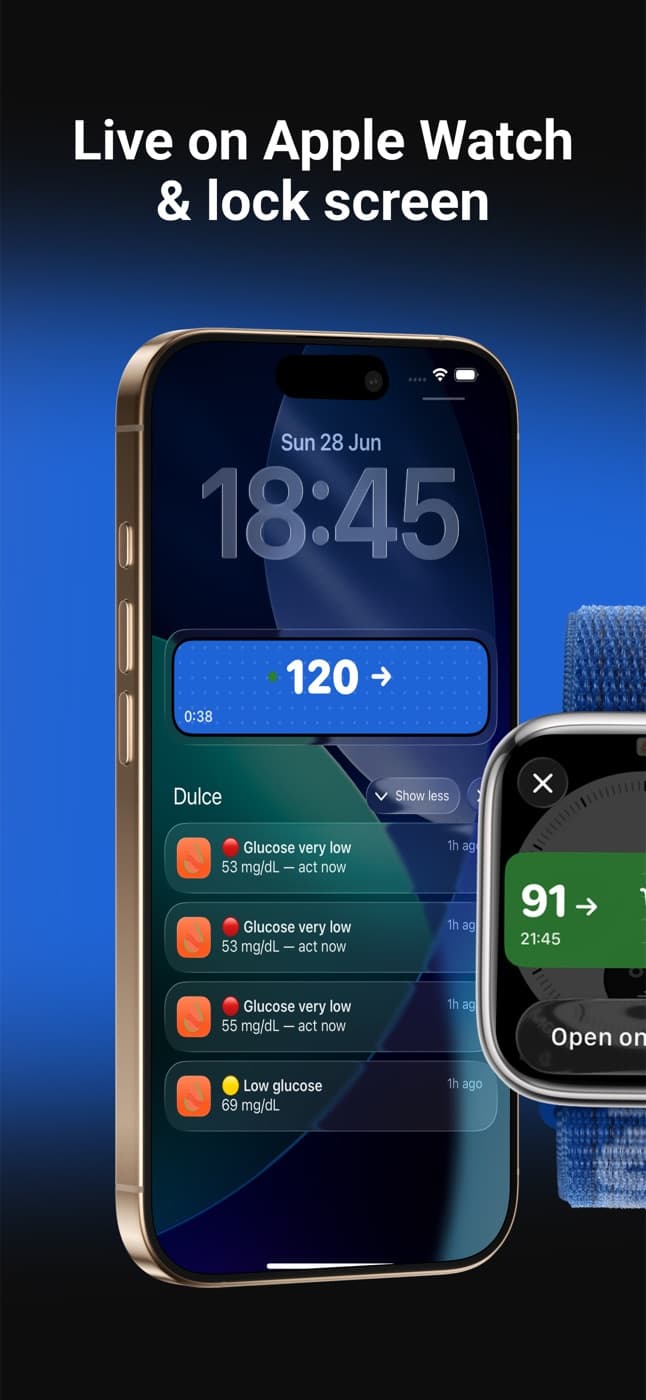
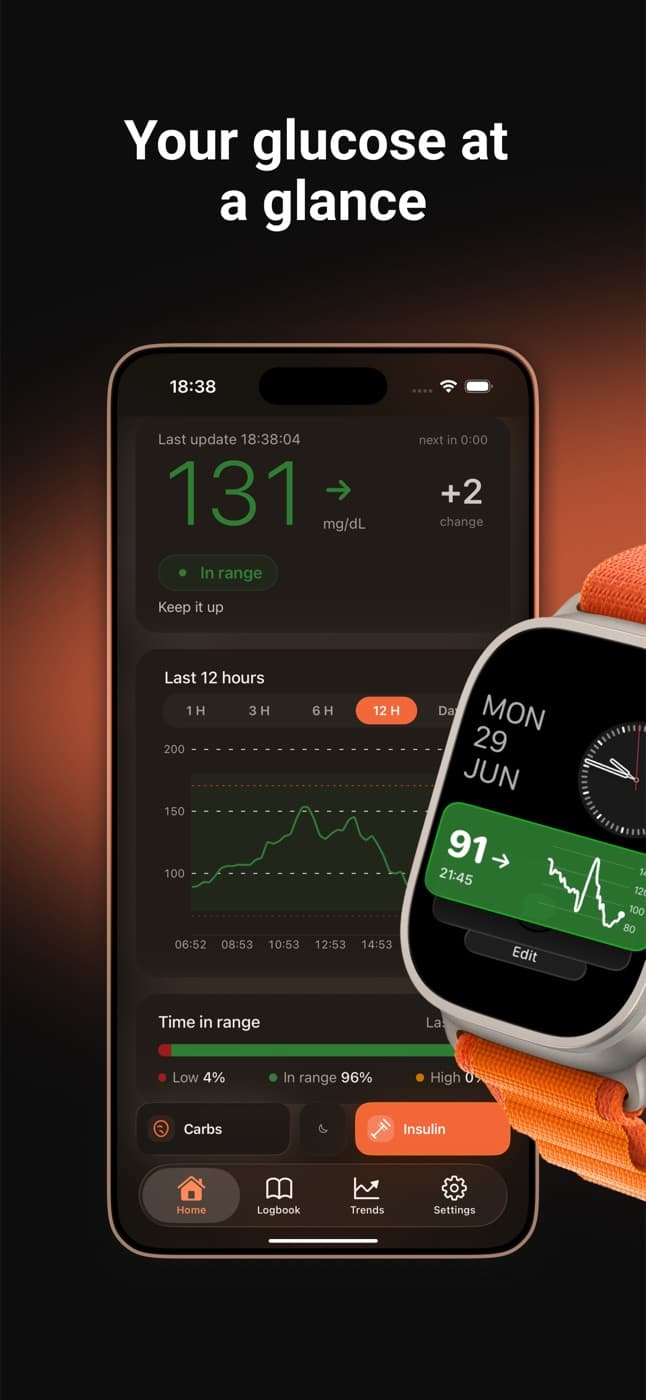
FreeStyle Libre widget for iPhone: Home Screen, Lock Screen, StandBy
Abbott's apps (FreeStyle LibreLink, FreeStyle Libre 3 and LibreLinkUp) have no glucose widget for iPhone. Dulce reads your LibreLinkUp data and adds free widgets for the Home Screen, the Lock Screen and StandBy. iOS decides when widgets refresh, so they show how old the reading is; for a number that updates every minute, use the Live Activity.
· 2 min read
One of the questions people with a FreeStyle Libre and an iPhone ask most: why is there no widget? Abbott's apps (FreeStyle LibreLink, FreeStyle Libre 3 and LibreLinkUp) don't include a glucose widget for the Home Screen or the Lock Screen. The fix is to use an app that reads your LibreLinkUp data and does have one, like Dulce.
Dulce's widgets
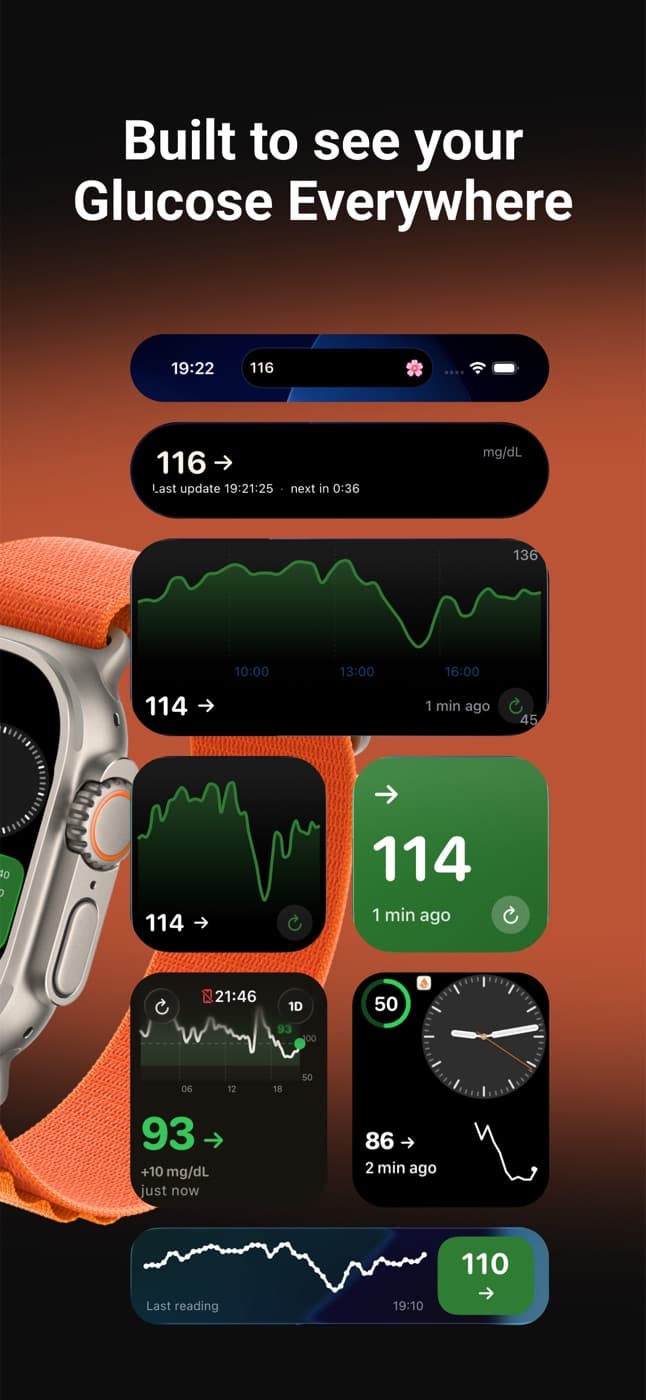
Dulce has two widgets:
- Glucose: your latest value with the arrow and how long ago the reading was. Available in small and medium sizes for the Home Screen, and in all three Lock Screen shapes (rectangular, circular and inline, above the time).
- Glucose chart: the curve of the last few hours, in small and medium sizes for the Home Screen.
Both have a button to refresh on the spot.
Widgets work with the free version of Dulce.
Add it to your Home Screen
Enter edit mode
Touch and hold an empty area of your Home Screen until the icons jiggle.
Search for Dulce
Tap the + button in the top corner and search for "Dulce".
Pick the widget
Swipe to choose between the number and the chart, and between small and medium. Tap Add Widget, then Done.
Add it to your Lock Screen
- With your iPhone unlocked, touch and hold the Lock Screen and tap Customize.
- Choose Lock Screen and tap the widget row under the time (or the date line above it).
- Find Dulce in the list and pick the shape you like.
Your glucose on the nightstand with StandBy
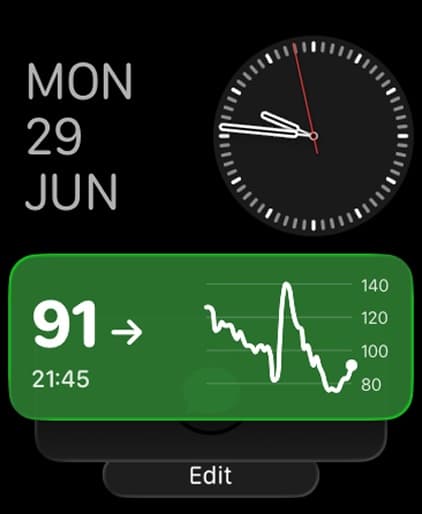
Since iOS 17, if you charge your iPhone on its side while it's locked, it turns into a bedside clock: that's StandBy. Small widgets appear there, so you can have your glucose large next to the time without touching your phone at 3 a.m.
- Check that StandBy is on in your iPhone settings.
- Put the iPhone on charge, locked and in landscape.
- Swipe to the widget view, touch and hold one of the stacks and add the Dulce widget.
How often a widget updates
Let's be honest here: iOS decides when widgets refresh, to save battery, and no app can update them every minute. That's why Dulce's widgets always show how long ago the reading was, and have a button to fetch the latest value instantly.
If you want your number updated every minute on the Lock Screen, the right tool is the Live Activity, covered in the Lock Screen and Dynamic Island guide.
More places for your glucose
- On your wrist, with the Dulce Apple Watch app.
- On your family's phone, with followers.
Quick questions
Is there a FreeStyle Libre widget for iPhone?
Not from Abbott: LibreLink, Libre 3 and LibreLinkUp have no glucose widget. Dulce reads your LibreLinkUp data and adds widgets for the Home Screen, Lock Screen and StandBy, for free.
How often does the glucose widget update?
When iOS decides, not every minute. iOS limits widget refreshes to save battery, so Dulce's widgets show how long ago the reading was and have a refresh button. For a number that updates every minute, use the Live Activity. Read more: Your Libre glucose on the iPhone Lock Screen and Dynamic Island
Can I see my glucose on the nightstand at night?
Yes, with StandBy. Charge your locked iPhone on its side in landscape and add the small Dulce widget to the StandBy view.
This article is for information and does not replace advice from your care team. Dulce is not a medical device and does not replace your sensor's alarms.
Dulce is an independent app, not affiliated with Abbott. FreeStyle Libre, LibreLink and LibreLinkUp are trademarks of Abbott.
Lives with diabetes, writes the Dulce guides
Levan is Giorgi's brother and also lives with diabetes. He writes the Dulce guides from the point of view of someone who manages diabetes every day.