CamAPS FX glucose in Dulce: a step-by-step guide
Dulce can't read CamAPS FX directly. On Android there is a route that works today: a notification reader (xDrip+ in Companion mode, GlucoDataHandler or Strimma) uploads your readings to a Nightscout site, and Dulce reads that site. On iPhone there is no live route, and a Libre 3 through LibreLinkUp does not work. It is unofficial: readings arrive with a small delay and the alarms stay with CamAPS FX.
· 5 min read
The short answer: CamAPS FX does not share your glucose in a way Dulce can read directly. On Android there is a route that works today: a notification reader on the phone that runs CamAPS FX (xDrip+ in Companion mode, GlucoDataHandler or Strimma) uploads your readings to a Nightscout site, and Dulce reads that site. On iPhone there is no live route today. A Libre 3 through LibreLinkUp does not work, and a Dexcom G7 through Dexcom Share is not confirmed. The sections below say what we know and what we don't.
[screenshot: the Dulce sensor list with the CamAPS FX entry]
What works today
- Android: CamAPS FX plus a notification reader (xDrip+ in Companion mode, GlucoDataHandler or Strimma) that uploads to Nightscout. Dulce then reads your Nightscout site. The reader takes the number from the CamAPS FX notification, so the route is the same with a Dexcom or a Libre 3. We have not tested every combination: we rely on the readers' own documentation for that.
- iPhone: no live route. CamAPS FX can send data to Glooko, and Glooko can feed Nightscout, but the readings arrive hours late. That can fill a chart, but it is not suited to alerts, and it is experimental.
What does not work
- Libre 3 through LibreLinkUp: no. CamAPS FX does not send your readings to LibreLinkUp, and a sensor started in another app can't be moved to CamAPS FX.
- Dexcom G7 through Dexcom Share: not confirmed, probably not. CamAPS FX asks you to sign in to Dexcom when you set up a G7, but we found no source saying that your readings then reach Dexcom Share. It costs a minute to try: choose Dexcom in Dulce and sign in with the Dexcom account you use in CamAPS FX. If readings appear, please tell us. If you get "no data", use the Android route above.
What you need on Android
- The Android phone that runs CamAPS FX.
- xDrip+, the free open-source app (install it from its official page, not from a random site). GlucoDataHandler and Strimma also read the CamAPS FX notification: the steps below describe xDrip+.
- A Nightscout site with an https address, and its API secret. Your own site or a hosting service both work.
- Dulce on the phone where you want to look at your glucose (iPhone or Android).
Step 1: get a Nightscout site
Use a Nightscout site you already have, or set one up yourself or with a hosting service. Note its https address and its API secret. Our Nightscout guide explains what Dulce needs from it.
Step 2: let xDrip+ read CamAPS FX
Install xDrip+ on the phone that runs CamAPS FX. In xDrip+ open Settings, Hardware Data Source and choose Companion App. xDrip+ will ask for notification access: allow it, otherwise it can't see the number. Two details matter here:
- The CamAPS FX notification must be visible on the phone, and the unit in xDrip+ (mg/dL or mmol/L) must match the one in CamAPS FX.
- xDrip+ takes the number when CamAPS FX shows it and does not fill gaps. If the phone is away from the sensor for more than 5 minutes, readings can be missing. xDrip+'s documentation says Companion mode may not work on every phone or Android version.
[screenshot: xDrip+ hardware data source set to Companion App]
Step 3: send readings to Nightscout
In xDrip+ open Settings, Cloud Upload, Nightscout Sync (REST-API) and switch it on. As base URL, enter your site address with the API secret in front, in this form:
https://YOUR-API-SECRET@yoursite.example.com/api/v1/
Use the https address of your site, with a slash and api/v1/ at the end. Then open your Nightscout site in a browser: a new point should appear about every five minutes. If nothing shows up, check that CamAPS FX still shows your number, that xDrip+ still has notification access, and that the phone isn't putting apps to sleep to save battery.
[screenshot: xDrip+ Nightscout Sync with the base URL field]
Step 4: connect Nightscout in Dulce
In Dulce, open the sensor list and choose CamAPS FX, then tap I have my Nightscout address to go to the Nightscout sign-in. Enter your Site address and an Access token. To create a token, open your Nightscout site, go to Admin Tools and add a subject with the "readable" role. If you prefer, switch to API secret: Dulce keeps only its SHA-1 fingerprint. A read-only token is the safer choice. The full walkthrough is in the Nightscout guide.
[screenshot: the Dulce Nightscout sign-in]
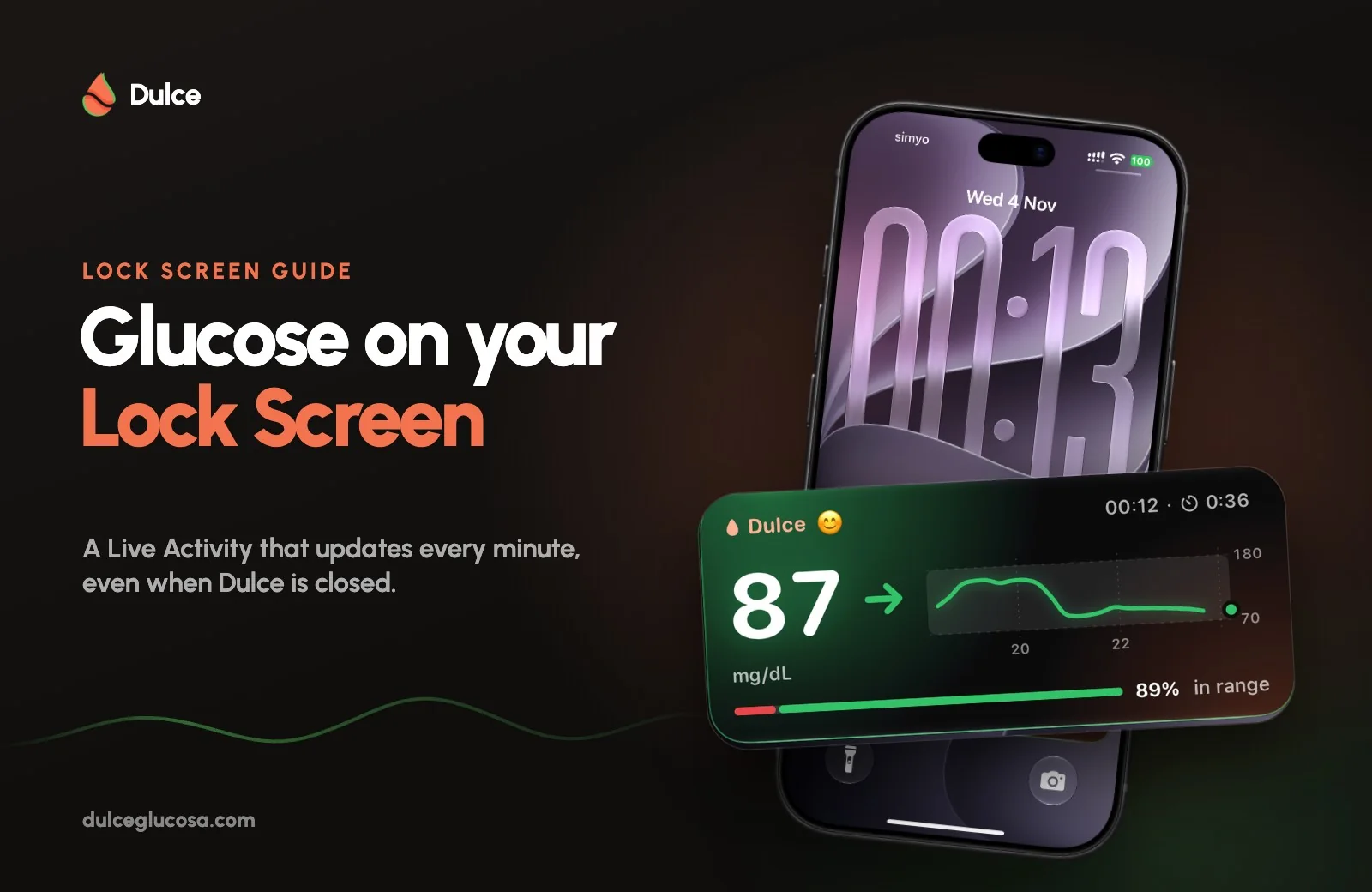
When it connects, your readings appear on the home screen, and the Lock Screen, widgets and watch work as with any other source. See the Lock Screen guide and the family sharing guide.
Good to know
- The phone has to stay on and online, and xDrip+ has to be allowed to run in the background. If not, no new readings reach Dulce.
- There is a delay. Readings reach Dulce a little after they show in CamAPS FX. We have not measured how much.
- No gap filling. If the phone is away from the sensor for more than 5 minutes, readings can be missing. Companion mode may not work on every phone.
- Unofficial. CamAPS FX does not support this, an update can change its notification and break the route, and nobody at Dulce can fix a problem inside CamAPS FX or the reader app.
- Alarms stay where they are. Dulce is not a medical device and does not replace the alarms of CamAPS FX. Keep using CamAPS FX for them and for decisions about your treatment.
If your sensor is a Libre 2 or Libre 3 without CamAPS FX, or a Dexcom with its own app, you don't need any of this: see the setup guide. For other ways to see readings on an iPhone, read xDrip and Juggluco on iPhone.
Quick questions
Can Dulce read CamAPS FX directly?
No. CamAPS FX does not share your glucose in a way Dulce can read. On Android, a notification reader (xDrip+ in Companion mode, GlucoDataHandler or Strimma) uploads your readings to Nightscout and Dulce reads that site. On iPhone there is no live route.
Does it work on iPhone?
There is no live route today. CamAPS FX can send data to Glooko and Glooko can feed Nightscout, but readings arrive hours late, so it is not suited to alerts and it is experimental.
Does a Libre 3 through LibreLinkUp or a Dexcom G7 through Dexcom Share work?
Libre 3 through LibreLinkUp: no, CamAPS FX does not send your readings there. Dexcom G7 through Dexcom Share: not confirmed and probably not, but it takes a minute to try by signing in to Dulce with the Dexcom account you use in CamAPS FX.
Is there a delay?
Yes, a little: readings reach Dulce after they show in CamAPS FX. We have not measured how much, and gaps are not filled if the phone was away from the sensor.
Is this supported by CamAPS FX?
No, it is an unofficial route. Dulce only displays the numbers, so keep using CamAPS FX itself for your alarms and decisions.
This article is for information and does not replace advice from your care team. Dulce is not a medical device and does not replace your sensor's alarms.
Dulce is an independent app, not affiliated with Abbott. FreeStyle Libre, LibreLink and LibreLinkUp are trademarks of Abbott.
Founder of Dulce, lives with type 1 diabetes
Giorgi lives with type 1 diabetes and founded Dulce. He built the app because he was tired of unlocking his phone, opening an app and waiting just to see one number. He writes about what he uses every day with his sensor, iPhone and Apple Watch.