Glucose during workouts on Garmin: data field and Connect
Dulce's data field puts your glucose, trend arrow and change on any Garmin activity screen, on watches and Edge bike computers with Connect IQ 3.1 or later. With Save glucose in the activity turned on, it writes your glucose into the activity file, so Garmin Connect shows a glucose chart and your average glucose for the workout. The field updates every 5 minutes (Garmin's limit), needs your phone with Garmin Connect nearby and Dulce Pro.
· 4 min read
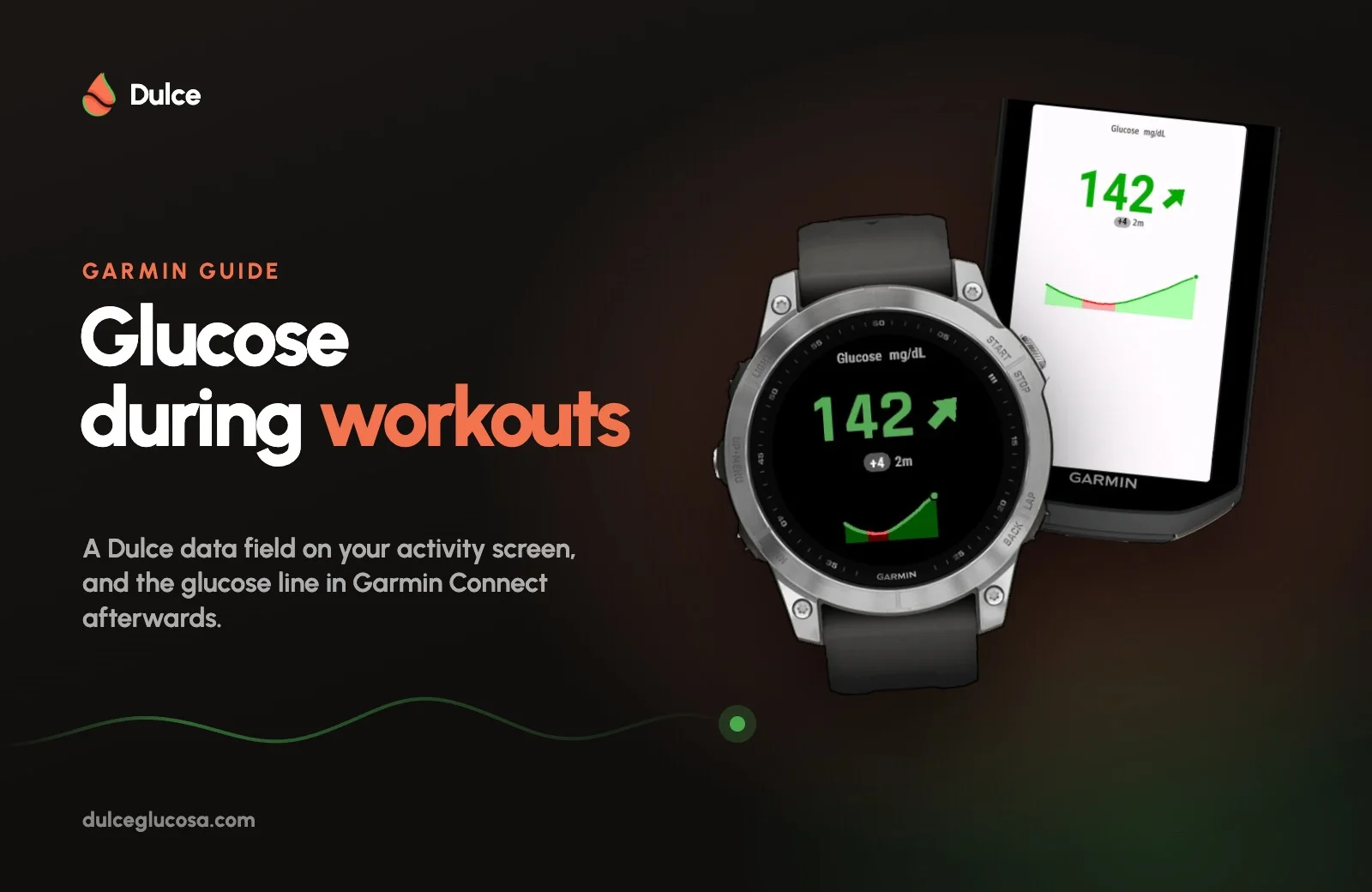
Exercise is one of the moments when glucose moves the most, and one of the moments when it's hardest to pull out a phone. If you train with a Garmin, the Dulce data field puts your glucose on the activity screen next to pace, power or heart rate. It can also save your glucose into the activity, so after the workout you see the glucose line in Garmin Connect alongside everything else.
This guide covers what the data field shows, how to add it, how saving works and what to keep in mind. The watch app and watch face are on the Dulce for Garmin page.
What the data field shows
The field adapts to the space you give it on the activity screen:
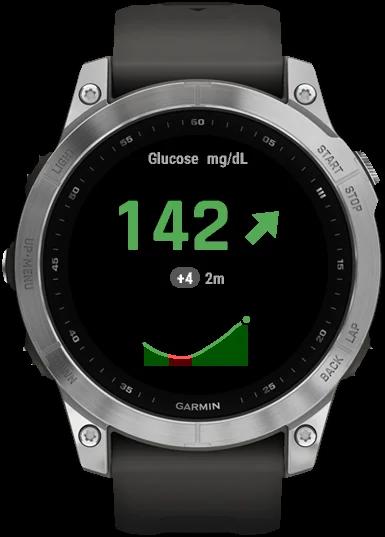
- Large (a full screen or most of it): a label, your number large with the trend arrow, the change, the reading's age and a short graph of the last hour.
- Medium: the number with the arrow, the change and the age.
- Small: the number and the arrow.
Numbers are coloured by zone: red below 70 mg/dL (3.9 mmol/L), green from 70 to 180 (3.9 to 10.0), orange above. On Edge bike computers in day mode the field uses darker colours so it reads well on a light background.
What you need
- Dulce Pro (14-day free trial), or following someone who has it. See what Pro includes.
- Dulce connected to your sensor through LibreLinkUp, Dexcom Share, Medtronic CareLink or Nightscout, on the latest version of Dulce.
- Garmin Connect on your phone, running in the background, and the phone with you. On a run that means carrying the phone; on a bike it can sit in a pocket or bag.
- A Garmin watch or Edge bike computer with Connect IQ 3.1 or later. The full list is on the Garmin page.
Add the data field
Install the data field
In the Connect IQ Store, find Dulce and install the data field. Garmin Connect syncs it to your watch or Edge.
Put it on an activity screen
On the watch, open the activity you use (Run, Bike, Hike…), go to its settings, then Data Screens, pick a screen and a field, and choose the Dulce field from the Connect IQ fields. On an Edge you can do the same from the activity profile.
Link it
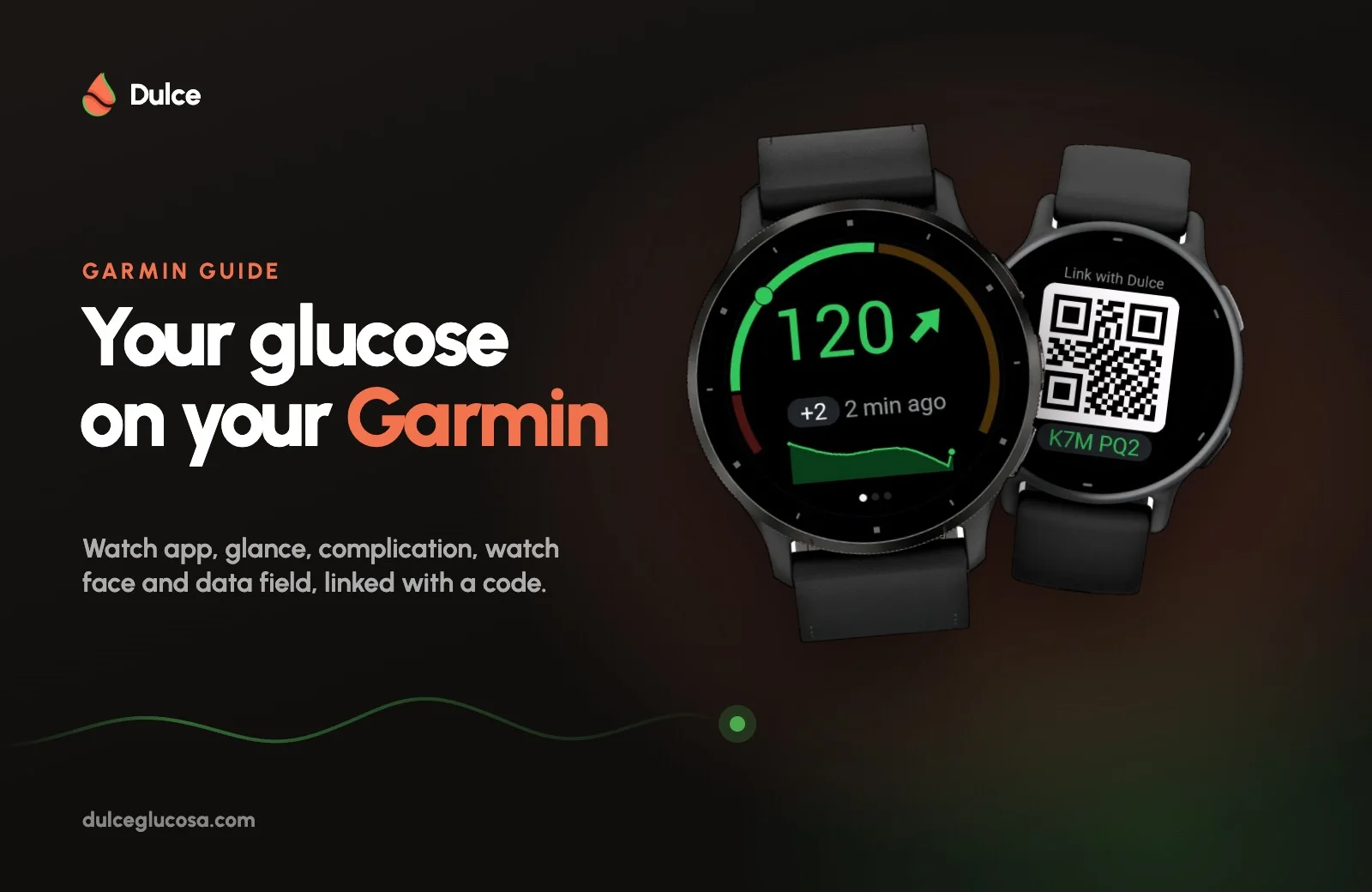
Start the activity. The field shows a 6-character code. In Dulce on your iPhone, go to Settings › Garmin watch, type the code and tap Link watch. If the code is gone, restart the activity to get a new one.
Train
The field now shows your glucose during every activity that has it on screen.
The step-by-step linking guide with screenshots is in how to see your glucose on a Garmin watch.
The glucose line in Garmin Connect
With Save glucose in the activity turned on (it is on by default), the data field writes your glucose into the activity file while you record. Garmin calls this a developer field: it travels with the activity, so after you save it, the activity in Garmin Connect shows a glucose chart for the workout and your average glucose for the session.
A few details:
- The unit saved is the one you use in Dulce when the activity starts, mg/dL or mmol/L.
- Only activities with the Dulce field on one of their screens record glucose.
- To turn saving off, open the data field's settings in the Connect IQ section of Garmin Connect and switch off Save glucose in the activity.
That line is useful afterwards: how your glucose moved over a long ride, whether it dropped at the same point in the last three runs, what it did after an interval session. Talk through patterns with your care team; the chart describes, it doesn't tell you what to change.
How fresh is the number?
A data field can only fetch new data in the background, and Garmin allows that every 5 minutes. Your sensor might produce a reading every minute (FreeStyle Libre) or every 5 minutes (Dexcom, Medtronic), but the field updates at most every 5 minutes. The field shows the reading's age, and an old reading turns grey. During exercise glucose can change quickly, so treat the age as part of the reading.
Limits worth knowing
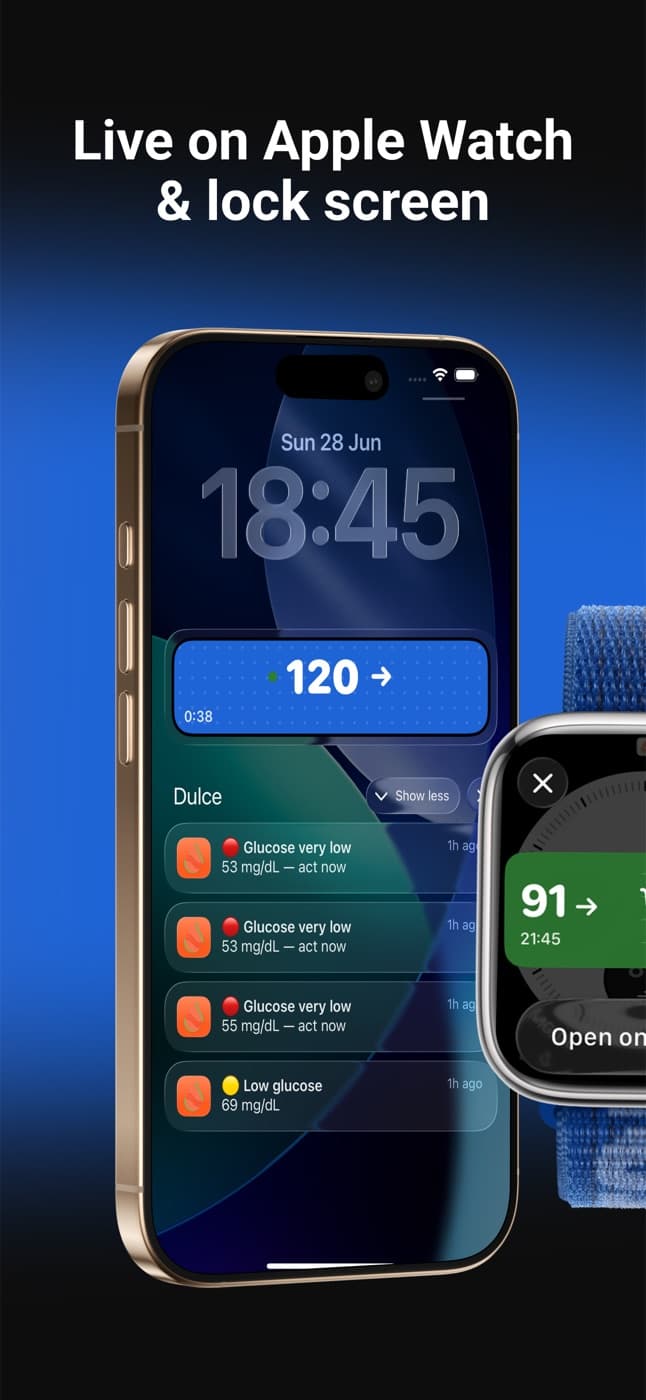
- No alerts from the field. Dulce's low and high alerts still reach your phone as notifications, and Garmin can show phone notifications on the watch. Your sensor's own alarms keep working.
- The phone has to come along. Without it, the field can't get new readings and the age keeps counting.
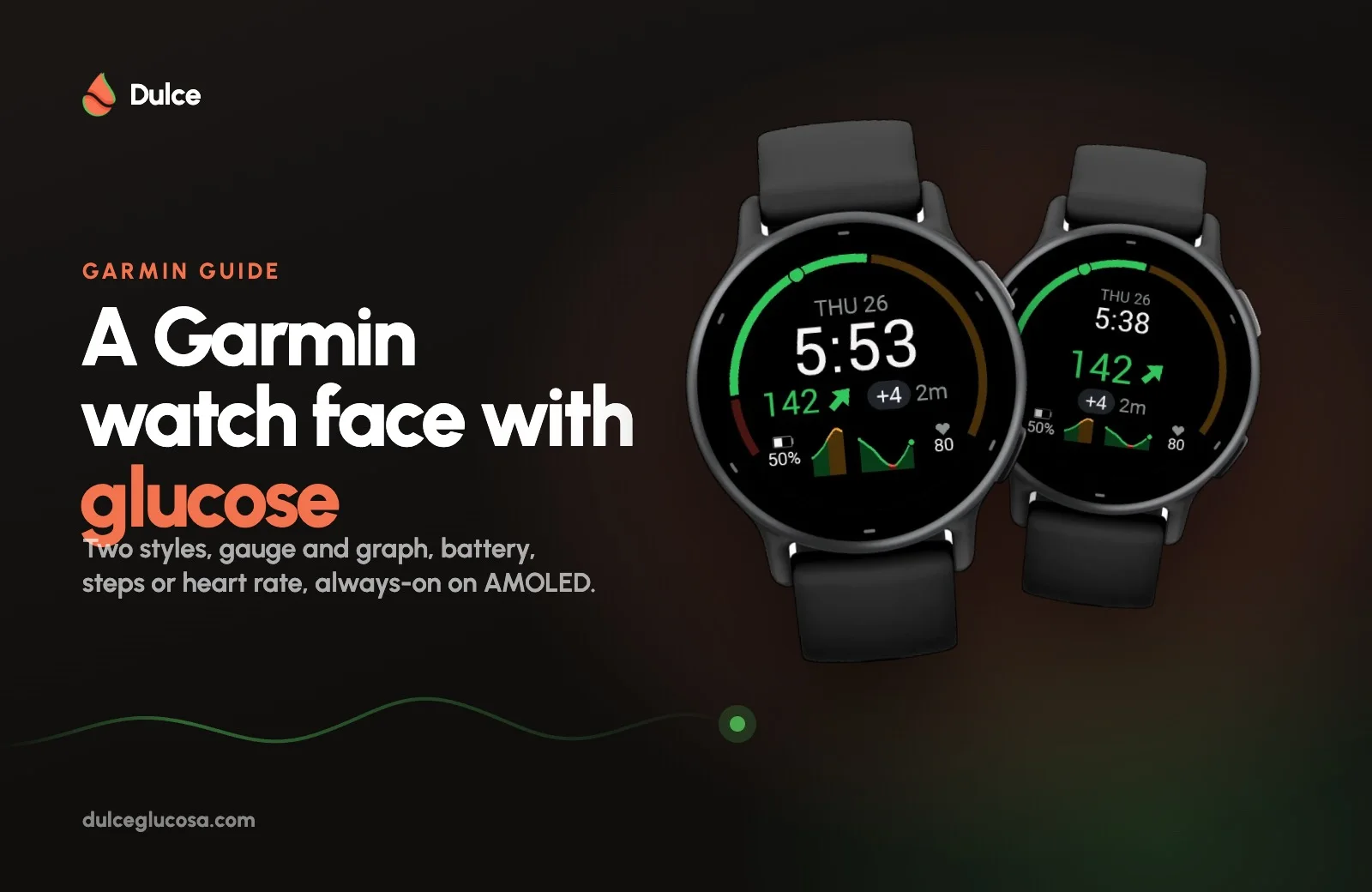
- Want to see your glucose outside workouts too? The Dulce watch face keeps it on your wrist all day.
Sources
- Garmin Developers. Connect IQ: FIT developer fields (data fields that record their own values into the activity file shown in Garmin Connect). developer.garmin.com
- Garmin Developers. Connect IQ: background services and temporal events (background updates at most every 5 minutes). developer.garmin.com
Quick questions
Can I see my glucose in Garmin Connect after a workout?
Yes. With the Dulce data field on the activity screen and Save glucose in the activity turned on, Garmin Connect shows a glucose chart and your average glucose for that activity.
Does the Dulce data field work on Garmin Edge?
Yes. The data field runs on Edge bike computers with Connect IQ 3.1 or later, such as the Edge 530, 540, 840, 1040 and Explore 2.
How often does the data field update?
Every 5 minutes at most, because Garmin only lets data fields fetch data in the background that often. The field shows how old the reading is.
Will the data field warn me if I go low during a run?
No. The field only shows your glucose. Dulce's alerts arrive on your phone as notifications, which Garmin can show on the watch, and your sensor's own alarms keep working. Read more: Glucose alerts on iPhone: lows, highs and how to hear them at night
This article is for information and does not replace advice from your care team. Dulce is not a medical device and does not replace your sensor's alarms.
Dulce is an independent app, not affiliated with Abbott. FreeStyle Libre, LibreLink and LibreLinkUp are trademarks of Abbott.
Founder of Dulce, lives with type 1 diabetes
Giorgi lives with type 1 diabetes and founded Dulce. He built the app because he was tired of unlocking his phone, opening an app and waiting just to see one number. He writes about what he uses every day with his sensor, iPhone and Apple Watch.