How to see your Libre or Dexcom glucose on a Mac or PC
There is no official LibreLinkUp or Dexcom Follow app for Windows or Mac, and LibreView and Dexcom Clarity are report websites, not a live number. To see your current reading on a computer, add the Dulce extension to Chrome, Edge or Brave and link it with a code from Dulce on your iPhone, under Settings › Chrome on a computer. It shows your glucose on the toolbar, updated every minute, and needs Dulce Pro (14-day free trial) or following someone who has it.
· 4 min read
If you spend the day at a desk, picking up your phone every time you want to see your glucose gets old fast. People search for a "Dexcom Follow app for PC", "LibreLinkUp for Windows" or "Dexcom on Mac", and there isn't one: Abbott and Dexcom make phone and watch apps, and their websites are for reports. This guide explains what each option shows and how to put your live number on your computer's browser with Dulce.
The short answer
There is no official LibreLinkUp or Dexcom Follow app for Windows or Mac. To see your current reading on a computer, you can:
- Add the Dulce extension to Chrome, Edge or Brave. It puts your glucose on the browser toolbar and updates every minute. You link it with a code from Dulce on your iPhone, without typing a sensor password on the computer.
- Open your Nightscout site in any browser, if you already run Nightscout.
- Use LibreView or Dexcom Clarity to look back at past days. Both are report websites, not a live number on screen.
What the official websites do
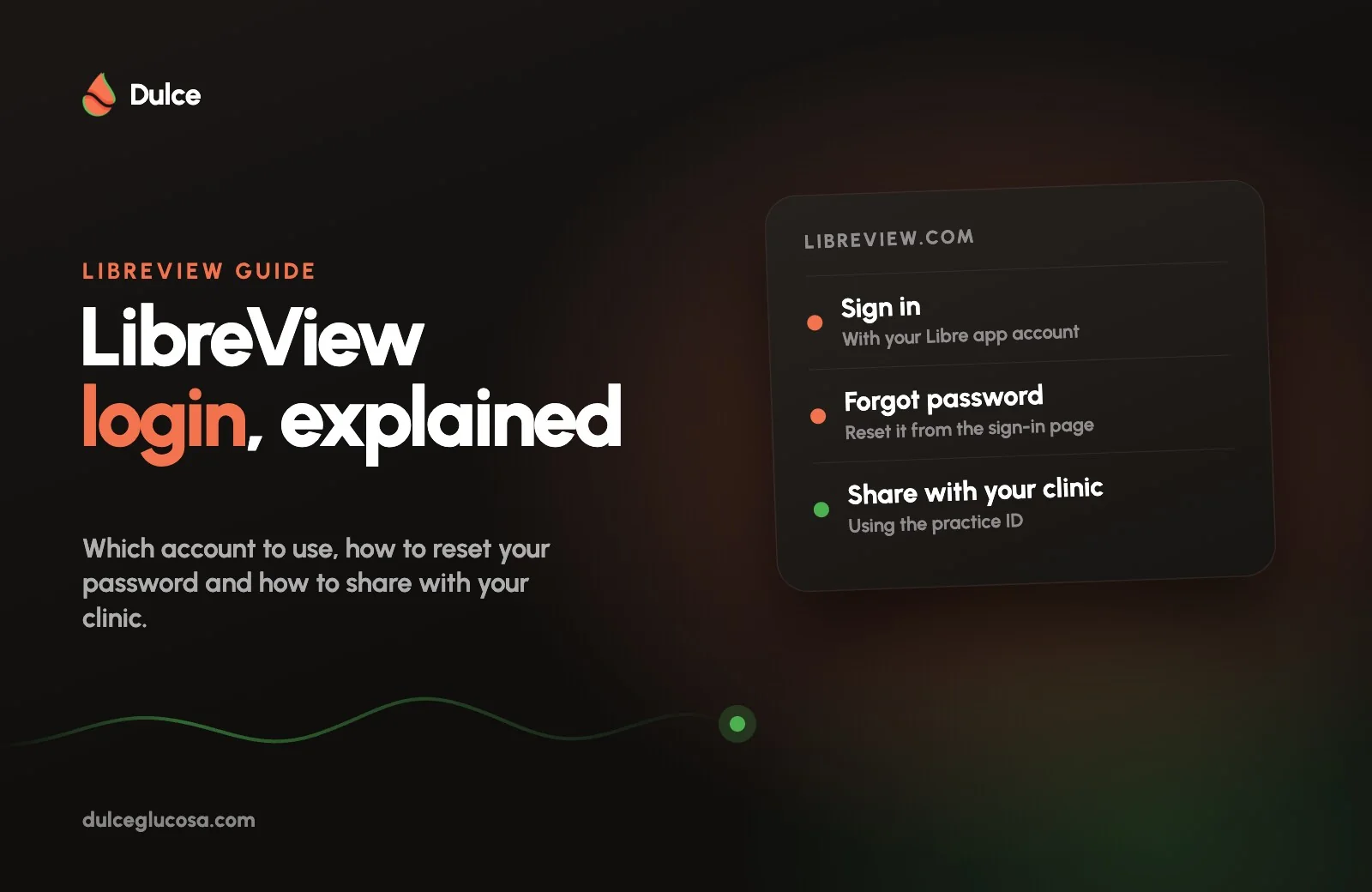
LibreView (libreview.com) is Abbott's website for FreeStyle Libre data. It's built for reports you can review on your own or share with your clinic: glucose patterns, time in range and daily logs. Our LibreView guide covers logging in and the difference from LibreLinkUp.
Dexcom Clarity does the same job for Dexcom: reports and trends from past days, on the web or in the Clarity app.
Both are useful for looking back. Neither is made to sit on your screen and show the reading you have right now.
Dulce for Chrome: your glucose on the toolbar
The Dulce extension works in Chrome, Edge and Brave, on a Mac or a Windows PC. Once linked:
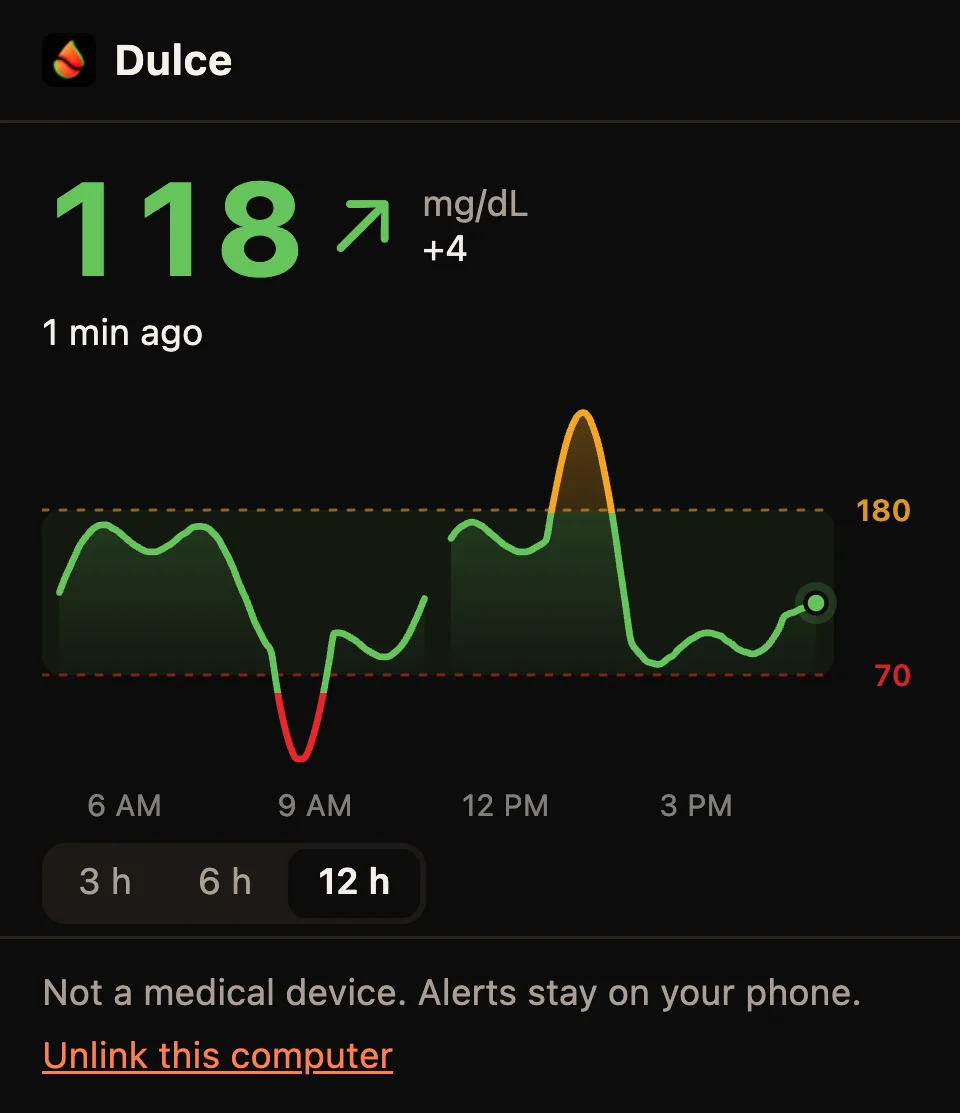
- The number sits on the Dulce icon in the toolbar, coloured by range: red below 70 mg/dL, green from 70 to 180 and orange above 180. It turns grey when the reading is old, so you never mistake an old value for a current one.
- One click opens more: the trend arrow, the change since the last reading, how old the reading is, and a chart of the last 3, 6 or 12 hours with your target range.
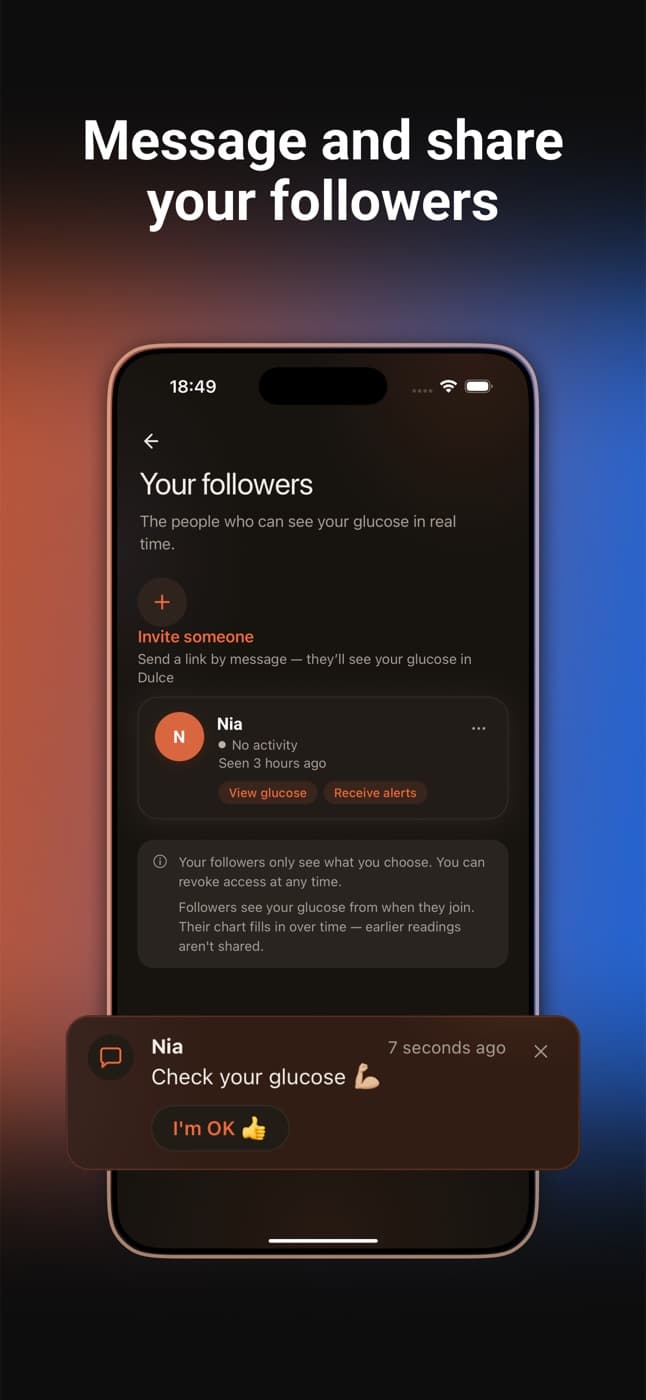
- Family too: if you follow someone in Dulce, you can choose whose glucose the extension shows.
How to set it up
Add Dulce to Chrome
Install the extension from the Chrome Web Store (the link is on the Dulce for Chrome page). Edge and Brave install Chrome extensions too. Click the Dulce icon: it shows a 6-character code and a QR code.
Open Dulce on your iPhone
Go to Settings › Chrome on a computer. Scan the QR code with your camera or type the code.
Confirm
Tap Link computer. Your number shows on the toolbar within a minute and then updates every minute.
There's no Dulce account and no LibreLinkUp or Dexcom password on the computer. The extension stores only a random link token and the last reading, in that browser.
What you need
- Dulce on your iPhone, connected to your sensor through LibreLinkUp, Dexcom Share, Medtronic CareLink or Nightscout. Readings that only come from Apple Health can't reach the computer. The sensors page has the setup steps.
- Dulce Pro, which has a 14-day free trial, or following someone who has Dulce Pro. See what Dulce Pro includes.
- Chrome, Edge or Brave on your computer.
Good to know
- It shows, it doesn't alert. A browser can sleep or close, so alerts stay on your phone. Keep them on in the Dulce app and keep your sensor's own alarms on.
- Anyone who uses that browser profile can see your glucose. On a shared or work computer, use your own profile.
- You can link up to 5 watches and computers in total, so a work laptop, a home computer and a Garmin watch can all show the same number.
- To unlink, remove the computer in Dulce under Settings › Chrome on a computer, even when the computer is off, or click Unlink this computer in the extension. It stops within a minute.
- How fresh the number is depends on your sensor. FreeStyle Libre through LibreLinkUp gives about one reading a minute. Dexcom Share and CareLink update about every 5 minutes.
Other ways people try
Some people run LibreLinkUp on a computer inside an Android emulator. It's unofficial, heavy on the computer and has to stay open. Others keep a phone on a stand next to the screen, which works fine if you don't mind the extra device. If you already run Nightscout, its web page is a good live view in any browser.
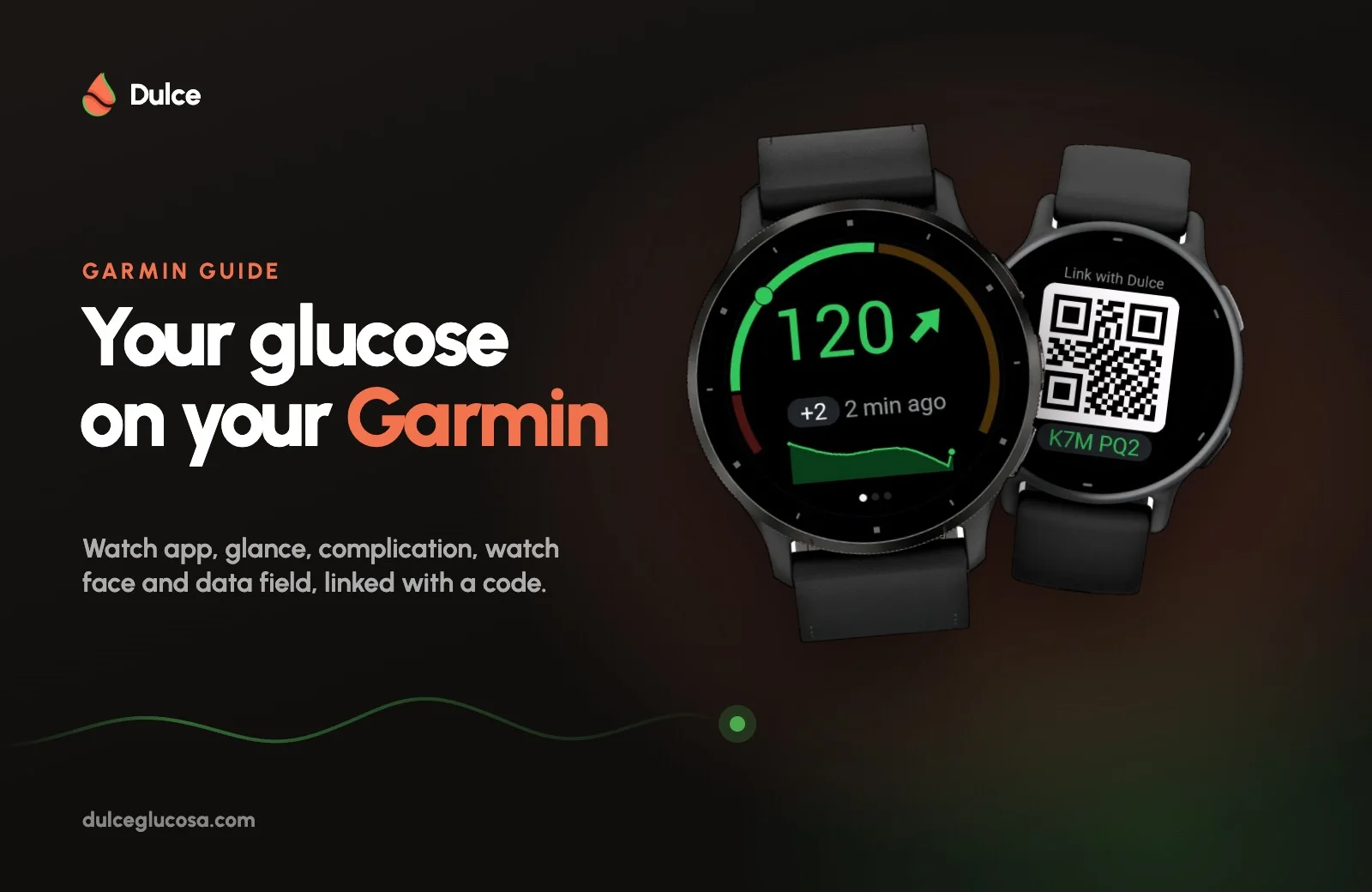
If you also wear a watch, the same reading can be on your wrist: see glucose on a Garmin watch and glucose on an Apple Watch.
Quick questions
Is there a LibreLinkUp app for Windows or Mac?
No. LibreLinkUp is a phone app only. LibreView, Abbott's website, shows reports of past days, not a live reading. To see your current Libre glucose on a computer, you can use the Dulce extension for Chrome, Edge or Brave. Read more: LibreView login not working? The official link + 5 fixes
Can I see Dexcom Follow on my computer?
Not with a Dexcom app: Dexcom Follow runs on phones and Dexcom Clarity shows past reports. Dulce reads Dexcom Share and its Chrome extension shows the live reading on your computer's toolbar, updated about every 5 minutes for Dexcom. Read more: A Dexcom Follow and Sugarmate alternative for iPhone
Does the Dulce extension work on a Mac and on Windows?
Yes. It works on any computer that runs Chrome, Edge or Brave, including Macs and Windows PCs.
Will the extension alert me to a low?
No. It only shows the value, because a browser can sleep or close. Keep alerts on in the Dulce app on your phone and keep your sensor's own alarms on.
Do I need Dulce Pro?
Yes, Chrome on a computer is part of Dulce Pro, which has a 14-day free trial. If you follow someone who has Dulce Pro, you can link your own computer without a subscription.
This article is for information and does not replace advice from your care team. Dulce is not a medical device and does not replace your sensor's alarms.
Dulce is an independent app, not affiliated with Abbott. FreeStyle Libre, LibreLink and LibreLinkUp are trademarks of Abbott.
Lives with diabetes, writes the Dulce guides
Levan is Giorgi's brother and also lives with diabetes. He writes the Dulce guides from the point of view of someone who manages diabetes every day.